 Gumroad



 Polar
 Kelviq
 Stan

Guide
How to sell digital products on Instagram with your EXNO store
To sell digital products on Instagram, show one useful result in a Reel, carousel or Story, then direct interested viewers through an available profile link or Story link sticker to the matching EXNO product. Instagram is the discovery channel in this workflow. EXNO processes the order and provides the purchase-access route; a like, a saved post or a direct message is not a completed sale. 7845
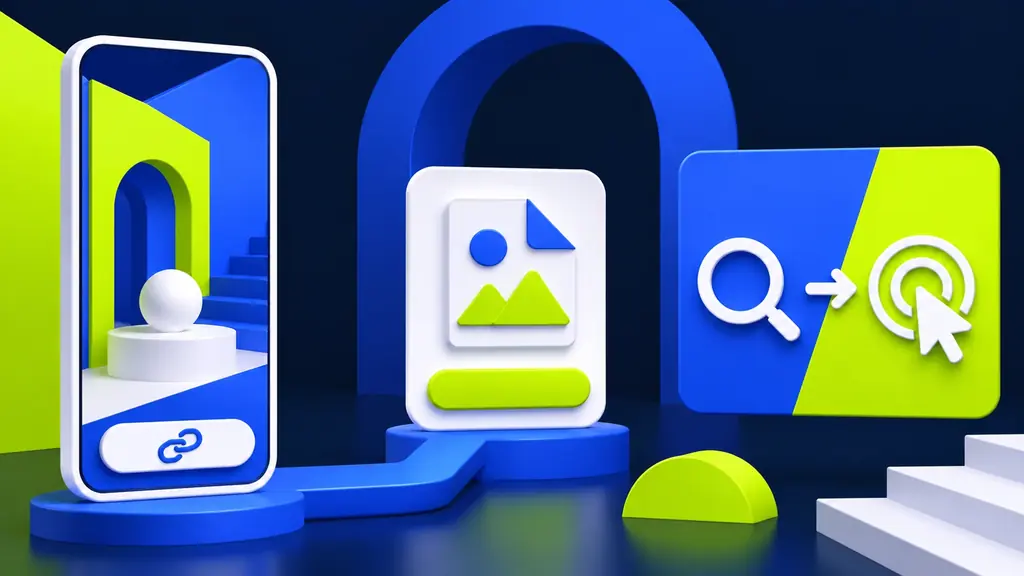
From Instagram to an EXNO sale
Use this order to set up the sale. Your Instagram content introduces the product; the EXNO page takes the order.
- Open your EXNO store. Create your EXNO account and set up the store that will sell the product.
- Set up bank payouts. Complete the required identity check and enter an eligible bank account in your name or your registered company’s name. Verification is required before your first payout; it is not the same as publishing a product.
- Publish the product. Add the files or promised access, set the price, and publish. Copy the public product or payment link, not a private seller preview. See how EXNO payment links work.
- Connect your profile. Add your EXNO product URL to your Instagram profile, or use a Story link sticker if it is available. Tap it from a visitor’s account. Check your Instagram link.
- Start selling. Share a Reel, carousel or Story that shows what the buyer gets. EXNO handles checkout and gives buyers access to the purchase.
What should each Instagram post help a buyer understand?
Use Instagram to demonstrate the product and answer a buying question, then direct interested viewers toward the complete offer. A Reel can show a task changing, a carousel can explain contents and compatibility, and a Story can provide a timely route onward where the account’s link controls support it.
| Surface | Useful content | Check before sharing |
|---|---|---|
| Reel | A real before-and-after demonstration using sample inputs. | The result is representative and necessary preparation is disclosed. |
| Carousel | Included files, a close preview and required software. | Each slide remains readable on a phone. |
| Story | One clear use case and a link sticker where available. | The sticker opens the intended offer. |
| Profile | A concise buyer promise and a labeled destination. | The live account’s link controls and actual visitor route. |
Meta’s Reels and link-sticker announcements document those formats, not today’s universal account eligibility, video limits or distribution. Check the current account rather than treating a historical launch description as a promise that every control is available. 78
How do you connect Instagram interest with an EXNO purchase?
Choose the destination according to how much the viewer already knows, then test the route from Instagram as a visitor. Send someone who needs details to the product page and someone comparing several offers to the store; use a payment link only when the purchase context is sufficiently clear.
- Match the offer. Keep the product name, preview and included contents consistent between the post and destination. Label sample results rather than presenting them as customer outcomes.
- Use available link controls. For a Story, capture or upload the media, open the sticker tool, choose Link, enter the destination and place the sticker where it can be seen and tapped. For a profile destination, use the website or links option actually present on your account. Do not assume a URL typed into a Reel caption becomes clickable. 7
- Check the handoff. Open the route on a phone and review the page, purchase details and checkout. The EXNO transaction is separate from Instagram discovery, not evidence of native Instagram checkout. 46
- Explain what follows payment. EXNO Help describes access to the purchase after payment and an emailed return link. Make clear that a comment or message alone is not a completed order. 5
The EXNO payment-link features provide an external purchase route; Instagram determines which linking surfaces your account can use. 1
“Create a link for any product or amount and share it anywhere.”
Give each Instagram format one useful job
Match the format to the question a prospective buyer still needs answered: show a result, explain compatibility, or give a returning follower a clear route to the offer. Keep the destination consistent with that promise rather than assuming every viewer is ready to buy or can complete checkout inside Instagram.
| Format and offer | Useful content | Destination to verify |
|---|---|---|
| Reel: photo preset | Show one original image before and after, with editing conditions and the tested application disclosed. | A profile-linked offer page explaining compatibility and contents; do not imply every image produces the same result. |
| Carousel: editable slide template | Show the editable layout, a finished example, and required software or account features. | The matching product page, not a different bundle with unexplained extras. |
| Story: returning follower | Recap the exact edition and who it helps; use a link sticker where the feature is available in the account. | The exact live offer or payment link, opened and checked before posting. |
Use EXNO’s payment-link route for an already-explained offer when the buyer has enough information to proceed. This plan does not depend on Instagram Shop eligibility or promise native Instagram checkout.14678
For an illustrative seven-day test of the same offer, label the profile and Story destinations separately. Suppose they record 48 and 32 measured visits, followed by three and four paid orders respectively. Their observed paid-order-to-visit rates are 6.25% and 12.5%. Keep the measurement rule and purchase window consistent and avoid double-counting an order across routes.
Although 12.5% is twice 6.25%, these small samples come from different audiences. They do not prove Story is twice as effective: returning followers may already know the offer. Inspect the questions buyers ask and repeat the test before changing the entire content plan.
What rights and disclosures belong in your Instagram promotion?
Use demonstrations you own or have permission to use commercially, and make any paid or gifted relationship clear where followers encounter the recommendation. A Story or Reel should stand on its own: neither a profile disclosure nor a familiar soundtrack establishes the rights and transparency needed for that particular promotion.
Keep a record of permissions for demo images, customer examples, and music. Use original audio whose rights you control or music licensed for the intended commercial use. Do not infer advertising permission merely because a track appears in Instagram’s music selection. Check whether the permission covers the specific placement, including any later paid promotion, before reusing the clip.
For a partner endorsement, the FTC’s US guidance treats material connections broadly, including payment, free products, and personal or employment relationships. Place a readable disclosure on the Story image long enough to be noticed. For video, include it in the video rather than only in its description, comments, or a separate profile statement. 9
“Make sure people will see and understand the disclosure.”
Use Meta’s applicable branded-content disclosure option when available and required, but do not rely on a platform tool alone. The FTC recommends clear disclosure alongside such tools. Describe the actual relationship without implying that Instagram or Meta endorses your product. Other jurisdictions may impose additional requirements; a US disclosure checklist is not a universal legal clearance. 9
How do you test the handoff from Instagram to the purchased product?
Follow the exact Instagram content a visitor sees through to the intended EXNO edition, buyer total, and delivery, using an account without seller privileges. Repeat the journey in Instagram’s in-app browser and a normal browser so you can distinguish a broken destination from an app-specific navigation or display problem.
- Start with the particular post or Story. Check the destination actually available to the visitor, not a link copied from your planning notes. Confirm that the wording and preview match the landing product. A demonstration of an editable edition should not lead to a finished-file edition without explaining the difference.
- Inspect the full offer. Verify the product reached through your EXNO payment link, including its selected edition and permitted uses. Review the actual buyer total before payment rather than assuming the social post’s headline price is the final amount in every checkout. EXNO handles the transaction as merchant of record; you remain responsible for accurate product claims. 46
- Repeat in a regular browser. If navigation or display fails inside Instagram, test the same destination outside the app. Record where the behavior differs. Do not assume changing an EXNO product description controls Instagram’s external-link settings or embedded browser.
- Verify delivery separately. Check the receipt and the buyer’s EXNO library or applicable delivery route against the purchased edition. Private files should be the promised deliverables, not the public demo. A successful checkout screen alone does not establish that the buyer opened the correct package. 1
Never request passwords or payment-card details in Instagram DMs. For a missing receipt or delivery, direct the buyer to the EXNO Help Center and the purchase’s support route, sharing only the relevant issue through appropriate private support channels. 5
An Instagram visitor sent to your store and a buyer who finds the item in EXNO Discover have different acquisition routes. Standard sales: 7%. Discover sales: 7%. Additional fees may apply to payment processing, payouts and other transactions. See the Seller Agreement for current fees and terms. Check the order’s recorded origin rather than assuming every order on posting day came from Instagram.
Keep the visual invitation separate from the paid files
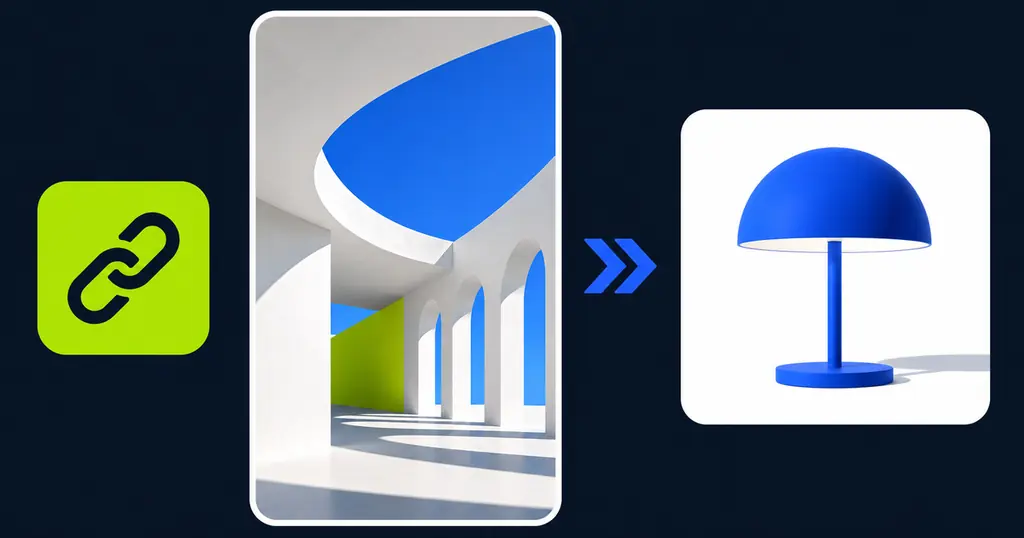
A simple vertical frame with a link symbol can echo the journey from an Instagram preview to a fuller product explanation. Give that original artwork a place on the EXNO Pixel Wall if it suits your promotion, using a public destination rather than a private buyer download.
The million-cell wall charges $1 per pixel, with one payment for your selected block by card or EXNO earnings. Submit the image for review and optionally attach a title and URL. Its appearance does not imply an Instagram partnership or guaranteed traffic.

Questions about Instagram links, previews and the buyer’s next step
The practical challenge is connecting a useful Instagram preview to a purchase the viewer understands, without confusing the two services. These answers cover missing controls, truthful demonstrations, permissions and access after payment, while avoiding assumptions about every account’s eligibility or what a particular post will achieve.
Does using EXNO require Instagram’s native Shops or checkout?
This guide describes an external route from Instagram to an EXNO offer and checkout. It does not establish eligibility for Instagram Shops, native checkout or product tagging. Check the actual linking options available to your account rather than treating those separate services as prerequisites. 46
What if I cannot find the Story link sticker?
Check the current controls and help available for your own account. Meta’s historical announcement does not guarantee availability in every present circumstance. If the sticker is unavailable, use another verified route your account supports and update the call to action accordingly. 7
Can I rely on a link written in a Reel caption?
Do not assume it will act as a clickable purchase route. Test the published experience and direct viewers to a working profile link or other available control when necessary. The instruction should describe what the visitor can actually do, not what you intended the text to do.
How do I show a before-and-after without promising results?
Use representative sample material and show the product’s real contribution. Disclose important setup or editing, and label a fictional example rather than implying it came from a customer. Demonstrating one workflow does not establish that every buyer will achieve the same outcome.
Can I use any popular audio or artwork in the promotion?
Do not assume availability in an app establishes permission for every commercial use or for inclusion in the paid product. Check the applicable permissions for the intended post, advertising use and downloadable deliverables separately. Use material you created or can appropriately license when rights are uncertain.
What should a paid partner or affiliate say?
Make the commercial relationship clear where the endorsement appears, rather than relying on the audience to infer it. The FTC’s guidance addresses material connections such as payment or benefits in U.S. endorsements. Review applicable local requirements too, and do not substitute a hidden explanation for a clear disclosure. 9
Does the buyer need an EXNO account before paying?
EXNO Help says buyers can check out with an email address without first creating an account. After confirmed payment, they are taken to the purchase and receive an email linking back to it. Explain that route rather than telling buyers to request paid files through Instagram messages. 5
What should I do when a viewer says they paid but cannot find the files?
Ask them to check the purchase instructions and email, including spam folders, and identify the affected product and order reference. Direct unresolved access issues through EXNO Help without requesting card details or asking them to pay again. An Instagram username alone may not identify the purchase. 5
General information, not tax or legal advice.
References for Instagram surfaces and external purchasing
Meta’s announcements establish the historical Reels and Story link-sticker formats, not current limits or universal eligibility, while EXNO documents the external selling and access routes. FTC guidance concerns U.S. endorsement disclosures; the suggested demonstrations are editorial examples, not verified customer results, reach predictions or guarantees of sales.
- EXNO product and storefront features · Private digital file delivery, product editions, checkout links and storefront tools· checked 19 November 2026
- EXNO · The public marketplace where shoppers browse digital products by category· checked 19 November 2026
- EXNO seller pricing· checked 19 November 2026
- EXNO payments · The buyer transaction and EXNO’s merchant-of-record responsibilities· checked 19 November 2026
- EXNO Help Center · Seller and buyer workflows, including accessing purchased digital products· checked 19 November 2026
- EXNO: payment links for digital offers · Using a direct payment destination for a defined offer rather than taking payment in a social post· checked 19 November 2026
- Instagram: expanding sharing links in Stories · Official instructions for adding a Story link sticker and the announcement’s account-availability caveats· checked 19 November 2026
- Meta Newsroom: introducing Instagram Reels · Instagram’s short video format; the guide does not rely on a historical duration or ranking rule· checked 19 November 2026
- U.S. Federal Trade Commission: Disclosures 101 · Making a material commercial relationship clear in posts, Stories and videos when applicable· checked 19 November 2026


Give the next interested viewer a route you have checked
Prepare one accurate demonstration, explain the product’s requirements and connect it to a destination that matches the viewer’s next question. Review the live Instagram link, the EXNO purchase details and the access instructions before expanding the campaign, so attention leads to an understandable choice rather than another search.
Keep reading
Guide
How to add a product to your EXNO store
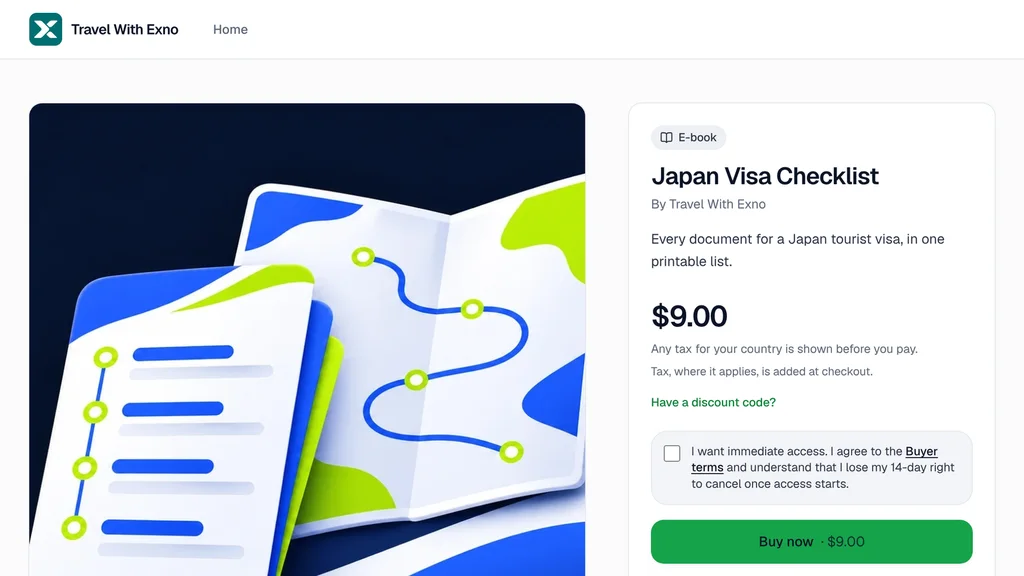
Adding a product takes a few minutes: you create it, write the page buyers see, set a price, add a cover and the files buyers get, and publish. The clips below show every step in a real EXNO store, Travel With Exno, as it adds a Japan visa checklist.
Read the guide
Guide
Where should you sell your digital products?
The best platform to sell digital products depends on what you deliver, how buyers find it, and who should handle the transaction. Shortlist Etsy for original digital designs, Shopify for a shop that also ships goods, Gumroad for direct creator sales, and EXNO for a mixed digital catalog with a storefront and marketplace.
Read the guide
Guide
What to do when a buyer disputes a digital product sale
Chargebacks on digital products happen when a buyer disputes a card payment through their card issuer rather than simply requesting a refund. On EXNO, submit the evidence for each case through the Disputes page; EXNO adds the order records and handles the response, while the disputed sale’s earnings wait for a decision.
Read the guide