 Gumroad



 Polar
 Kelviq
 Stan

Guides
Sell digital products with confidence
Practical guides to selling e-books, courses, templates and more, and how EXNO takes care of checkout, tax and payouts.
142 guides

Selling guide
A practical guide to selling your own guided meditations
You can sell guided meditations as downloadable recordings by packaging your own or properly licensed narration, a useful transcript and a sample that accurately represents the final mix. Describe what a listener will hear rather than promising an outcome.
Read the guide
Selling guide
From camera roll to licensed photo download: a photographer’s guide
To sell photos online, choose what the buyer may do with each image, export files at the promised size, and display the license and an accurate preview before checkout. A household printing one photograph, a newsroom illustrating a story and a business running an ad need different permissions, even if they ask for the same JPEG. EXNO delivers the digital edition you list, not a framed print or an automatic copyright transfer.
Read the guide
Selling guide
How to package AI automation templates buyers can run themselves
To sell n8n templates, package an original workflow with its input format, setup instructions, a safe sample, and a result the buyer can check before enabling it. Make and Zapier use different ways to share automation, so sell the edition you actually tested. The buyer supplies their own authorized accounts and keys; the download is not a running service.
Read the guide
Selling guide
How to sell 3D model packs that survive a buyer’s first import
To sell 3D models, define the buyer’s use, test the exported asset in that environment, and package the geometry, textures, documentation and license together. Sell the result as a digital download on EXNO. A studio buying modular game scenery needs different evidence from a designer buying a still-render prop or a maker buying a printable part.
Read the guide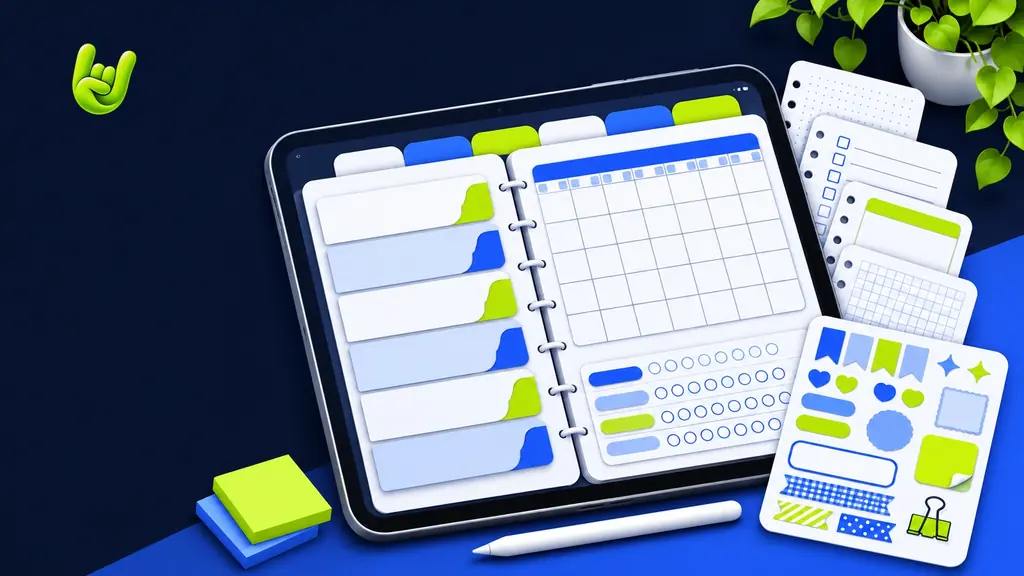
Selling guide
How to sell a digital planner people can actually use on a tablet
To sell digital planners, deliver a hyperlinked PDF that lets someone find a date, write on it, and return to the index without scrolling through the whole year. Show that journey before checkout, label every edition, and tell buyers which tablet and note app you actually used to check it.
Read the guide
Selling guide
How to sell a font family people can license and put to work
To sell fonts online, start with a typeface you have the right to distribute, proof the exported font files, and sell a license that states exactly where the buyer can use them. Show the character set, available styles and a realistic sample before checkout. Deliver the purchased desktop, web or embedding edition with its matching license and installation notes.
Read the guide
Selling guide
How to sell a lesson plan another teacher can teach tomorrow
To sell lesson plans online, offer an original teacher-facing resource with a specific learning outcome, a realistic class sequence, usable materials, and clear classroom permissions. A buyer should be able to decide whether the lesson fits their learners before paying, and teach it afterward without borrowing your school account, guessing the timings, or asking what counts as success.
Read the guide
Selling guide
How to sell a Notion template buyers can actually duplicate and use
To sell Notion templates, create a clean page that solves a specific problem, enable duplication and sell a small getting-started file through EXNO that gives paying buyers the correct Notion link. Show the finished workflow before checkout; keep the reusable link out of the public preview. Before launch, buy the intended edition as an unrelated customer and confirm you can duplicate it into a separate workspace, change its sample data and finish the task without access to the author’s workspace.
Read the guide
Selling guide
How to sell a tabletop RPG supplement a group can use tonight
To sell TTRPG PDFs, make an original adventure, map pack, or rules supplement that a group can use with the system and edition you name. Separate game-master material from player handouts, document any licensed SRD content, and preview an actual play aid without revealing its secrets.
Read the guide
Selling guide
How to sell a theme, plugin or script that customers can actually install
To sell code online, deliver a tested release for a named environment, show its result before checkout, and spell out what the buyer may do with the code. EXNO can deliver the private package; you supply the working files, notices, compatibility information and support you promised. A theme preview, repository link or activation code alone does not answer those questions.
Read the guide
Selling guide
How to sell a travel itinerary that works on the street
To sell travel itineraries, turn your own route research into a day-by-day PDF, an editable Notion copy or both, with an optional map list for finding stops. Give buyers a dated edition and a useful fallback for the first thing that might go wrong.
Read the guide
Selling guide
How to sell a workout plan buyers can actually follow
To sell workout plans online, package a general program for a defined audience, show a representative session, and say exactly what equipment, experience, and support it assumes. Price the materials and any time you actually provide, not a promised change in someone’s body. Use a phone and a printout to test the plan before listing it.
Read the guide
Selling guide
How to sell AI prompt packs that a buyer can actually test
To sell AI prompts, choose a task with a checkable result, package your reusable instructions with sample inputs and a review checklist, and sell the editable files as a digital download. Show buyers which model and interface you used, what they must provide themselves and how to tell when an answer is wrong. EXNO can deliver the kit after checkout; it does not supply the buyer’s AI account as part of that download.
Read the guide
Selling guide
How to sell an audiobook listeners can open and navigate
To sell audiobooks directly, secure the rights to the text and recorded narration, then deliver files that play in order and let listeners find a chapter. Price the edition you actually made and test a customer’s first five minutes, from receipt to playback, before you promote it.
Read the guide
Selling guide
How to sell an original VRChat avatar a buyer can actually use
To sell VRChat avatars, give buyers a tested package for the platforms you name, the steps to import and upload it, and a license that explains what they can do with it. Sell the original model or a clearly defined customization service, not access to an account or a promise that everyone in VRChat will see exactly what your preview shows.
Read the guide
Selling guide
How to sell beat licenses without promising rights you do not own
To sell beats online, pair a cleared instrumental with a written license that tells the artist what they can release, where, for how long and with which files. A nonexclusive lease can let several artists use the same beat; a negotiated exclusive grant reserves only the rights and scope the agreement specifies. Use EXNO to take payment and deliver the agreed audio and license, not as a substitute for settling the rights.
Read the guide
Selling guide
How to sell bonus podcast episodes and season archives
You can sell premium podcast episodes as a one-time bonus download, a complete season archive or a recurring edition for listeners who want more of your show. Give each offer a contents list, a listening method and permissions that cover the paid release.
Read the guide
Selling guide
How to sell digital products internationally with a clear offer
To sell digital products internationally, make the product understandable and usable for the buyers you want to reach, then connect the offer to a clear purchase and delivery process. EXNO gives creators and small businesses a store, checkout and Discover marketplace; your preparation connects those tools to the languages, formats and expectations of an international audience.
Read the guide
Selling guide
How to sell editable Canva templates without handing over your master design
To sell Canva templates, create an original layout, verify the rights to its contents and deliver a Canva Template link through the EXNO purchase rather than sharing editing access to your original. Show buyers what they can change, which account or premium assets they might need, and what their license covers. Before publishing, use an unrelated account to swap a photo, replace the text and export the finished design: opening the link alone is not a complete test.
Read the guide
Selling guide
How to sell editable mockups, from one scene to a complete collection
To sell mockups, sell the reusable scene: a file that lets designers insert their own artwork while keeping the perspective, lighting, and framing they saw in your preview. On EXNO you can offer an individual scene or a downloadable collection. Show what can move or change and distinguish the source file from the finished preview.
Read the guide
Selling guide
How to sell finished AI-assisted art without overstating the rights
To sell AI art, start with a finished visual product you created or have permission to sell, check the model and asset terms, and give buyers accurate files and usage terms. A customer purchasing a background set should know its pixel dimensions, what you edited, what they can use it for, and whether they are buying images or a tool that makes them.
Read the guide
Selling guide
How to sell house plans without confusing drawings with permits
To sell house plans online, define the drawing set, file formats, usage license, and limits of the design before a buyer pays. A downloadable plan is not a permit: the buyer must verify local zoning and building requirements and obtain review or approval from a locally authorized architect or engineer where required.
Read the guide
Selling guide
How to sell icon packs and illustration sets that fit a real project
To sell icon packs, design a set that completes one job, show it at its intended size, and package files and permissions a buyer can understand. For illustration sets, show how scenes and individual elements fit together before asking someone to buy the collection.
Read the guide
Selling guide
How to sell laser files that buyers can size and test
To sell laser cut files, package original vector artwork with verified dimensions, clearly separated cut and engraving operations, and a note about material thickness and kerf. Show what you actually tested, explain which files are editable, and sell the download rather than promising identical results on every laser.
Read the guide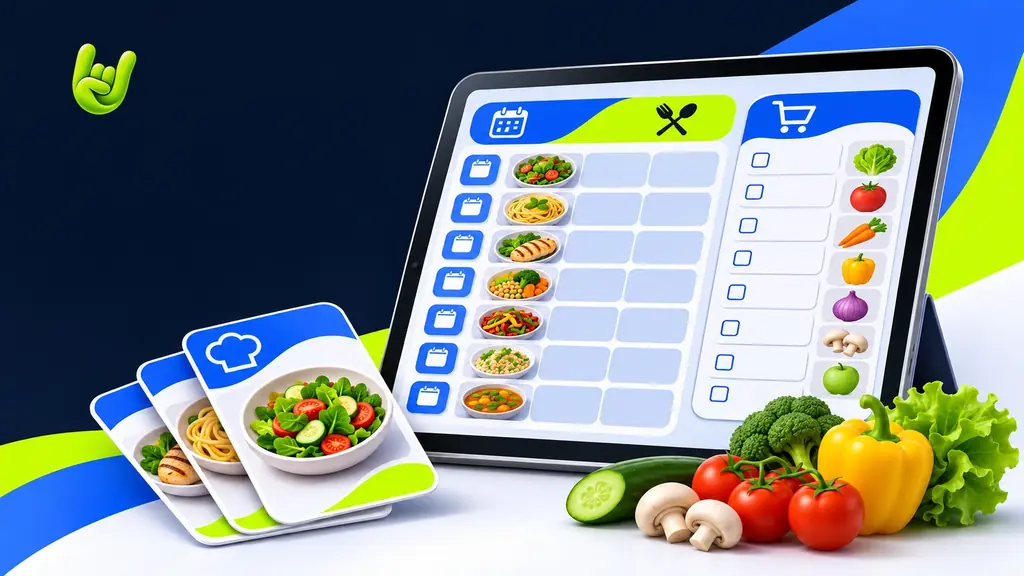
Selling guide
How to sell meal plans and recipes that work in a real kitchen
To sell meal plans online, turn tested recipes into a usable shopping list, a cooking sequence, and a clear account of how many meals each batch makes. A recipe collection lets the buyer choose what to cook; a plan also answers what to buy and what to make next. Sell that planning work, not a promise about the buyer’s health.
Read the guide
Selling guide
How to sell memberships and subscriptions people can understand
To sell memberships and subscriptions, define what members receive repeatedly, how often they receive it and how the recurring purchase works. EXNO supports membership and subscription products, a buyer library and a customer portal for managing subscriptions, while you shape the content, schedule and expectations around the offer.
Read the guide
Selling guide
How to sell music and sound packs buyers can work with
To sell music and sound packs, organize the audio around a defined use, deliver the formats your buyer needs and explain the permission to use each recording. EXNO gives musicians and sound designers a store and checkout, while a carefully prepared release makes clear what is included, how it sounds and what the purchase allows.
Read the guide
Selling guide
How to sell original tattoo flash and custom designs
You can sell tattoo designs as repeatable flash, a reserved one-off, or a custom digital commission. Specify who may use the art and how often, deliver a clean reference and matching license, and make clear that the price covers the drawing rather than the tattoo appointment.
Read the guide
Selling guide
How to sell presentation templates that survive the next edit
To sell PowerPoint templates, build reusable slide layouts, not a gallery of finished pictures, and test the file by creating a new presentation from it. Offer Keynote or Google Slides editions only when you have checked their native editing workflow, then show the exact versions, editable elements, and license on your EXNO product page.
Read the guide
Selling guide
How to sell presets and design assets with clear compatibility
To sell presets and design assets, deliver a tested creative tool with accurate previews, installation instructions and a clear statement of supported software. EXNO provides the store and checkout; your package needs to show what the files do, which dependencies they require and how the buyer may use them.
Read the guide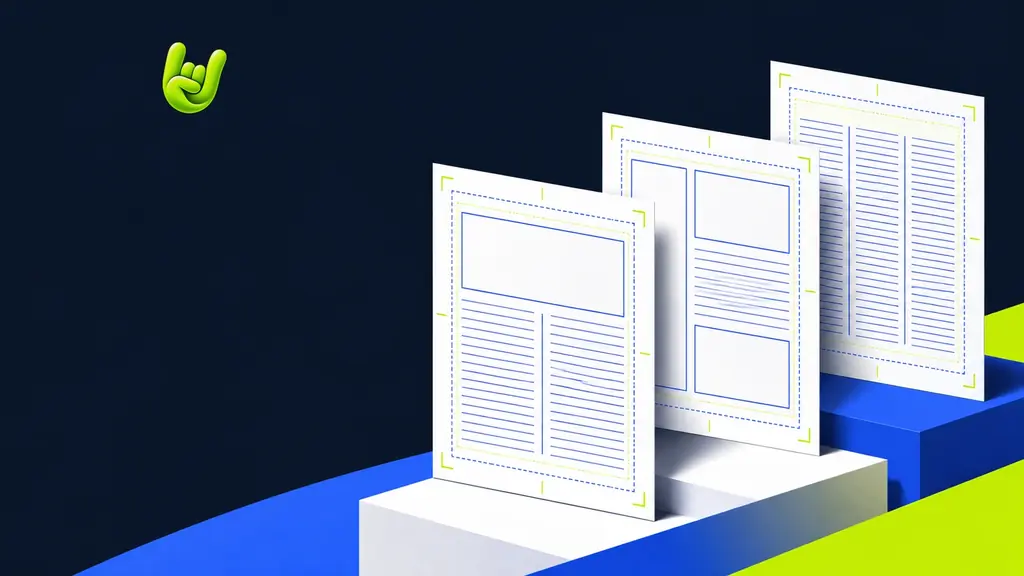
Selling guide
How to sell print-ready KDP interiors to publishers
To sell KDP interiors, prepare a digital manuscript for a specific book size and page count, test its print layout, and explain what your commercial license lets a publisher do with it. The product is the interior file, not a printed book or a promise that Amazon will accept a submission.
Read the guide
Selling guide
How to sell printable coloring pages that work off the screen
To sell coloring pages, start with original or cleared artwork, print the actual download, and show buyers how much room each design gives them to color. Package the sheets by paper size or tablet format, then sell the download on EXNO with a license that says who may use it.
Read the guide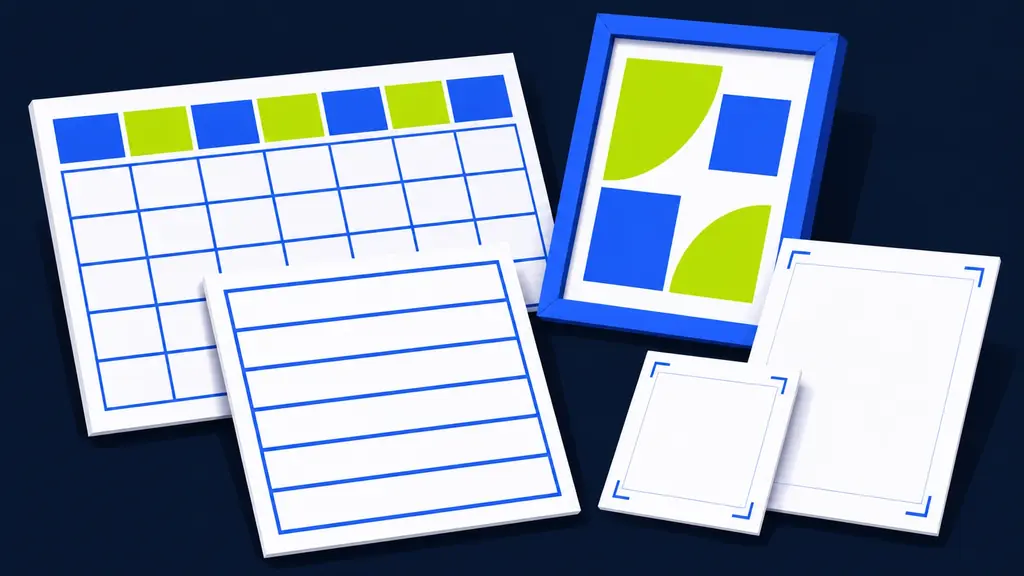
Selling guide
How to sell printable PDFs that work on a buyer’s paper
To sell printables online, design a PDF for a stated paper or frame size, print a proof at that size, then list the tested file on EXNO with a useful preview, clear printing instructions and a license. Start with the buyer’s use: a weekly planner needs handwriting space, a classroom activity needs readable prompts and a separate answer key, and wall art needs the right proportions at its advertised print size. The customer receives a digital file, not a physical print or frame.
Read the guide
Selling guide
How to sell resume templates buyers can edit without breaking
To sell resume templates, give buyers an editable file they can fill with their own experience, show exactly which software it works in, and test the document after realistic edits. Sell the layout and instructions, not a promise that an employer’s software will parse it perfectly or that an applicant will get an interview.
Read the guide
Selling guide
How to sell sheet music that arrives ready for rehearsal
To sell sheet music online, clear the rights to the piece and your edition, then offer a readable score with the parts and copy permissions your buyer needs. A quartet director should know before paying whether the download contains a study score, four playable parts, or both. Start with one complete edition, not an entire back catalog.
Read the guide
Selling guide
How to sell software and license keys with a tested release
To sell software and license keys, prepare a working download, define what the purchase permits and test how your application recognizes that permission. EXNO provides software sales, license keys and an activation API; your release should connect those tools to an installation process buyers can complete without guessing.
Read the guide
Selling guide
How to sell spreadsheet templates that still work in the buyer’s hands
To sell spreadsheet templates, build a workbook for one repeatable task, publish the Excel or Google Sheets editions you have actually tested, and deliver a clean starter with a small worked example through EXNO. Tell buyers which cells they fill, which result they should get and which application and version you used. A polished dashboard is a preview; a correct result after a buyer adds a row, changes a date or leaves an input blank is evidence that the product works.
Read the guide
Selling guide
How to sell STL files a buyer can take from slicer to print
To sell STL files, ship printable geometry with the intended dimensions, orientation, support notes and photographs of a real test print. The customer is buying a digital model, not the pictured object. Tell them what you printed successfully, what they may do with their prints and what they will need to test on their own machine.
Read the guide
Selling guide
How to sell SVG cut files that survive the first cut
To sell SVG files for cutting machines, offer clean vector paths, a real test cut at the size you advertise, and a license that tells buyers what they may make and sell. A sharp preview is not enough: the layers must separate correctly and the smallest pieces must stay intact when the buyer lifts the material.
Read the guide
Selling guide
How to sell templates online that buyers can actually use
To sell templates online, turn a repeatable task into an editable resource, test the buyer’s access and package clear setup instructions with it. EXNO lets you sell that resource through your own store, but your product needs to explain which application it uses, what the buyer can change and what permission comes with the purchase.
Read the guide
Selling guide
How to sell video LUTs an editor can reproduce
To sell LUTs for video, define the footage and color space each file expects, then demonstrate the result on more than one shot. Package the tested color lookup tables with a reference frame, installation notes, and clear permissions so an editor can reproduce the preview.
Read the guide
Selling guide
How to sell video templates another editor can use
To sell After Effects templates, deliver an editable project or named template format, identify its dependencies, and show a buyer changing real content before the final render. Build separate versions for Premiere Pro, DaVinci Resolve, or CapCut only when you can test the editing path and have the rights to distribute it.
Read the guide
Selling guide
How to sell wall art as print-ready downloads
To sell printable wall art, deliver your own original or properly licensed artwork in clearly labeled crops and show which print sizes each file supports. Give buyers the pixel dimensions, color preparation, and a frame guide before checkout, and make clear that they receive digital files, not a print or frame.
Read the guide
Selling guide
How to sell website templates that buyers can actually publish
To sell website templates, decide whether buyers are receiving a Webflow project, a Framer remix, or standalone site files, then show a working preview of that exact edition. Use EXNO for the sale and deliver the authorized installation instructions or source package, not a screenshot, your account credentials, or someone else’s template.
Read the guide
Selling guide
How to sell WordPress themes and plugins buyers can install and maintain
You can sell WordPress themes and plugins as downloadable software on EXNO, including paid setup, maintenance, or support as separate offers. Give buyers the installable ZIP, state exactly what you tested, and distinguish what the software license allows from what your paid service includes.
Read the guide
Selling guide
How to turn a Figma template or UI kit into an editable product
To sell Figma templates that people can actually reuse, deliver a tested design file, show a meaningful edit in the preview, and explain who may use it for what. On EXNO, you can sell a single workflow or a broader UI kit, with a downloadable file and a product page that makes the difference clear.
Read the guide
Selling guide
Sell a coaching session, consultation or custom service with a clear finish line
To sell coaching online, define who the session is for, what happens during it, and what the client takes away; then set the price and explain how booking works before accepting payment. For consulting or custom work, replace the session agenda with a written deliverable, deadline and revision limit. EXNO supports services as products, but a checkout receipt is not evidence that a meeting occurred or a commission was completed.
Read the guide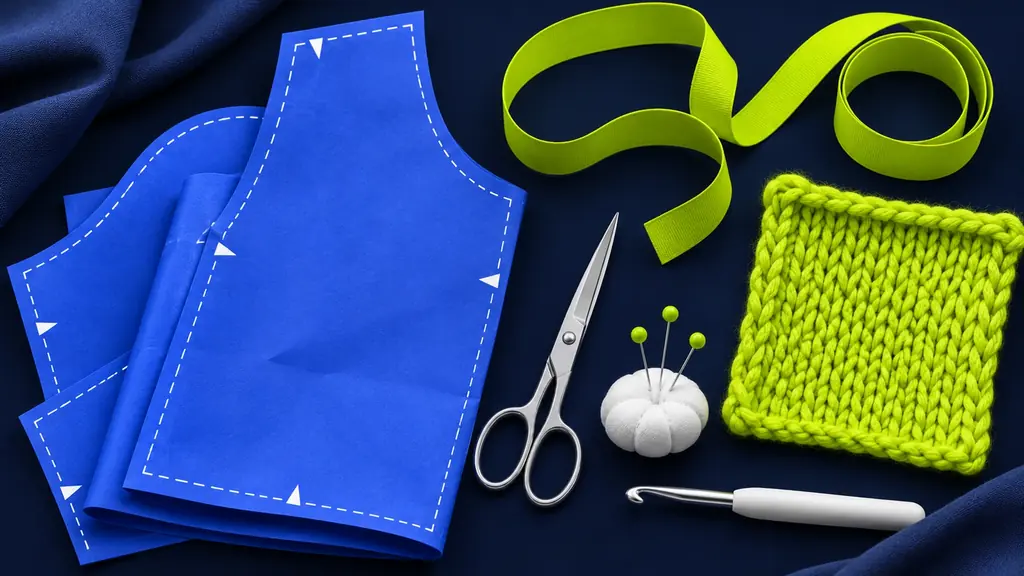
Selling guide
Sell a craft pattern that helps makers choose the right size before they begin
To sell sewing patterns online, supply original instructions, correctly scaled pattern pieces and enough sizing information for a maker to decide before cutting fabric. For knitting and crochet, replace the paper-scale test with a tested gauge, stitch instructions and finished measurements. On EXNO, sell the digital pattern, not the sample garment, fabric, yarn or finished object in the photos.
Read the guide
Selling guide
Sell digital comics by the issue, volume, or chapter
To sell comics online, package your original story as a readable PDF or CBZ, name the exact issues included, and give readers a spoiler-free sample. Offer separate episodes, collected volumes, or a clearly described early-access membership rather than presenting three different ways to pay as if they were three different stories.
Read the guide
Selling guide
Sell digital invitations guests can read and hosts can finish
You can sell digital invitations as editable templates for hosts who want control, or as a personalized design service for hosts who want finished files. Make the choice explicit: say who changes the wording, which version guests receive and whether a print file is included.
Read the guide
Selling guide
Sell digital products from your own EXNO store
Sell digital products with a storefront of your own, a checkout you can customize and a library where buyers access their downloads. EXNO gives creators and small businesses a place to sell ebooks, courses, templates, design assets and other downloadable files, while EXNO handles customer payments, sales taxes or VAT, refunds and payment disputes.
Read the guide
Selling guide
Sell ebooks from a store built around your work
Sell ebooks with your own EXNO storefront, a product-specific checkout and a download library for readers. Present the book you have written, set its price and share a payment link. EXNO receives the customer's payment and handles sales taxes or VAT, refunds and payment disputes as the merchant of record.
Read the guide
Selling guide
Sell embroidery files that a buyer can actually stitch
To sell embroidery designs, offer tested machine files or clearly labeled hand-work charts and show exactly what the buyer needs to stitch them. State the design size, file type, and rights to use the finished piece; a photo of attractive embroidery cannot answer a machine compatibility question.
Read the guide
Selling guide
Sell logo templates without promising an exclusive identity
You can sell logo templates as reusable, nonexclusive designs or package them with colors, type guidance and ready-to-use files as a brand kit. Tell buyers which parts they can edit, who else may use the design and why purchasing the files does not settle trademark availability.
Read the guide
Selling guide
Sell online courses as downloadable learning materials
Sell online courses through your own EXNO store by packaging your teaching into downloadable materials. Present the course, choose a checkout design and give buyers a library for their downloads. EXNO handles the customer's payment, sales taxes or VAT, refunds and payment disputes, while you create the lessons and explain what learners will receive.
Read the guide
Selling guide
Sell seamless pattern tiles that repeat at the promised scale
To sell seamless patterns, deliver the repeat tile itself, not just a picture of the pattern already repeated. Show how the edges meet, state the print scale and color options, and spell out whether the buyer may use it for personal projects, merchandise or third-party print production.
Read the guide
Selling guide
Sell the right video edition: a film to watch, a lesson to study or footage to edit
To sell videos online, decide what the buyer may do with the footage, export a version their player or editor can use, and package the video with the promised captions, notes and license. On EXNO, the trailer belongs on the public listing and the purchased files belong in the private delivery. Tell viewers whether they are buying a personal viewing copy, instruction or production footage they may incorporate into another work.
Read the guide
Selling guide
Sell wallpaper packs that fit more than one screen
To sell phone wallpapers, start with artwork you own, compose it around the lock screen, and supply clearly labeled image files rather than a screenshot of the result. Add tablet or desktop versions only when you have deliberately reframed and tested the design for those screens.
Read the guide
Selling guide
Selling digital illustrations and brushes: give buyers the picture, the layers or the tool
To sell digital art, decide whether the buyer wants the finished image, the editable source or the brush that made the marks, then deliver and license that item explicitly. A flattened illustration, a layered study and a Procreate or Photoshop brush set are not interchangeable. On EXNO, show the result publicly and keep the appropriate buyer files in the paid edition.
Read the guide
Selling guide
Take art commissions with a brief both sides can use
To sell art commissions online, offer a defined drawing service with a written brief, approval points, a price, and a final handoff. Show work you have permission to display, distinguish a new concept from a revision, and agree on usage rights before the artist or client commits time to the project.
Read the guide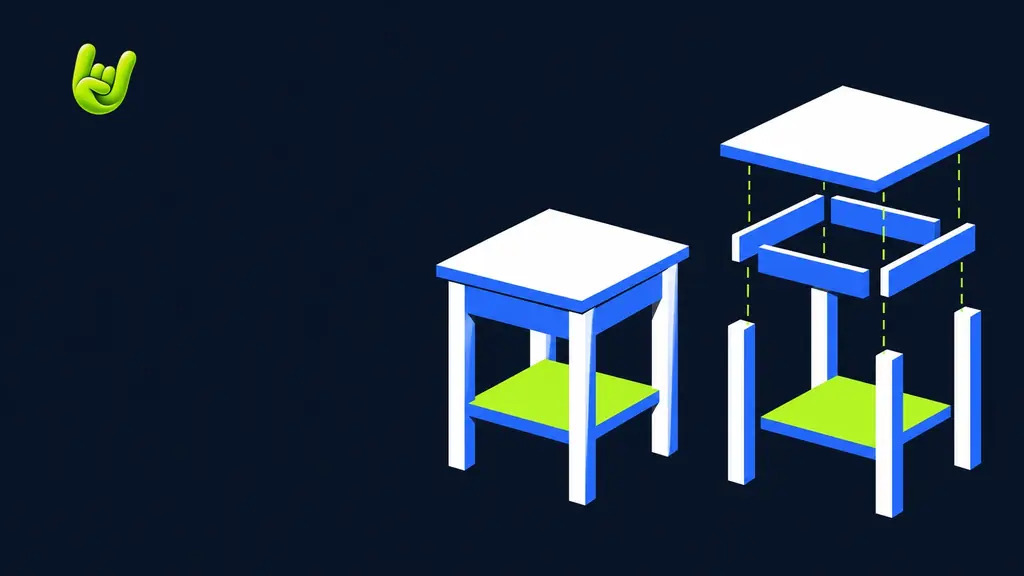
Selling guide
Turn a tested woodworking project into a plan people can follow
To sell woodworking plans, turn an original prototype into measured drawings, a materials list, a cut list, and instructions someone else can follow safely. Sell the plan as a digital product, and make clear which edition, units, tools, print sizes, and usage rights a buyer receives.
Read the guide
Feature
Build a digital-product coupon that works on the right sale
Discount codes for digital products reduce the price of a qualifying purchase when the buyer uses the code at checkout. EXNO supports fixed or percentage reductions and restrictions by date, product or number of uses. Decide exactly who can buy what, for how much, and until when before you distribute a code.
Read the guide
Feature
Build an affiliate program around your digital products
An affiliate program on EXNO lets you set a commission rate while partners promote your digital products through their own links and coupons. You also have affiliate analytics to review activity and inform your next campaign. Start with a product you can explain clearly, a commission you have worked through, and partners whose audience has a reason to use it.
Read the guide
Feature
Checkout page design that makes the digital purchase clear
Checkout page design should help the buyer recognize the product, understand the purchase details, and complete the next step with confidence. EXNO’s Checkout Builder provides 12 designs, product-specific presentation, discount codes, upsells, order bumps, and a post-purchase page or message for that journey.
Read the guide
Feature
Design your EXNO storefront by telling the builder what should change
EXNO’s AI Store Builder lets you change your storefront design through a conversation and refine the result with drag-and-drop editing. Instead of asking for a “better store,” tell it who is visiting, what they need to find and which part of the page should move.
Read the guide
Feature
Embedded checkout for the website your buyers already visit
Embedded checkout puts EXNO’s payment experience on a page of your own website, alongside the information buyers need about your product. It suits creators whose existing site explains a digital offer and who want to add a place to pay within that site.
Read the guide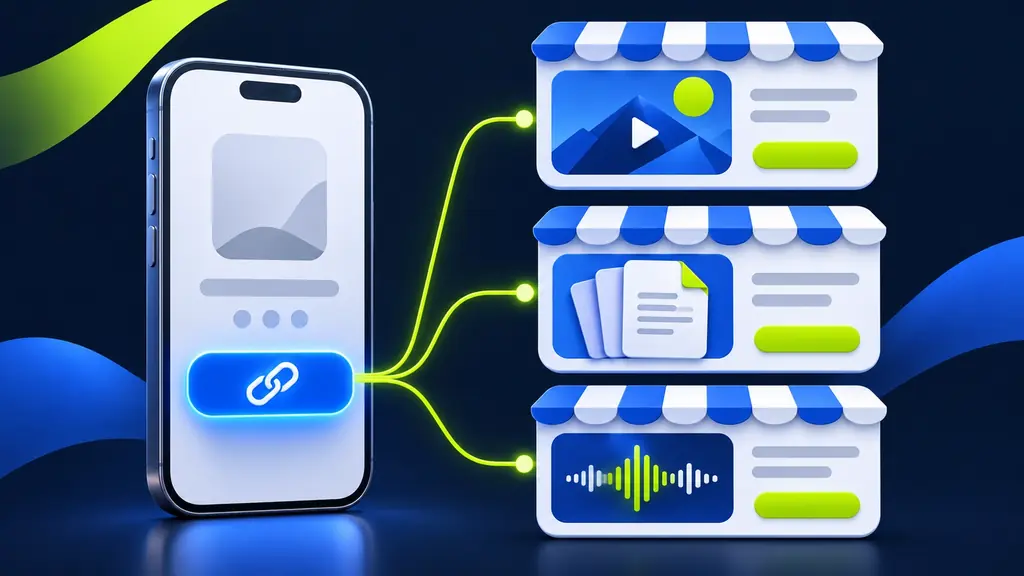
Feature
Give social visitors one EXNO storefront that works from the first tap
A link in bio store is a mobile storefront you share through a social profile so visitors can compare digital offers and buy without searching through old posts. Use your EXNO store address when shoppers need to choose; use one product’s page when a post already identifies the item but the buyer still needs details.
Read the guide
Feature
How to list and measure products on EXNO Discover
EXNO Discover is a digital product marketplace where buyers can find individual offers across stores through categories, search, and filters. Your own storefront presents your catalog as a whole; a Discover listing has to explain one purchase to someone who may never have heard of you.
Read the guide
Feature
How to run more than one EXNO store without confusing buyers
You can run multiple online stores from one EXNO seller account, with a separate name-based EXNO address for each storefront. Split a catalog when two groups of buyers need different products, explanations, and routes to purchase; keep one store when a clearer menu is enough.
Read the guide
Feature
How to secure your EXNO seller account with an authenticator
Two-factor authentication for sellers on EXNO combines your usual sign-in with a code from an authenticator app and gives you one-time backup codes for loss of access. Set it up before a phone change or a payout update, when you can check both the normal sign-in and your recovery plan.
Read the guide
Feature
How to send a receipt buyers recognize and know how to use
Custom receipt emails on EXNO let buyers recognize your store after checkout and find the next step without guessing. Connect an email address on your own domain, then use the Builder’s email template editor to design and preview receipt, delivery, and welcome messages with your logo, colors, and wording.
Read the guide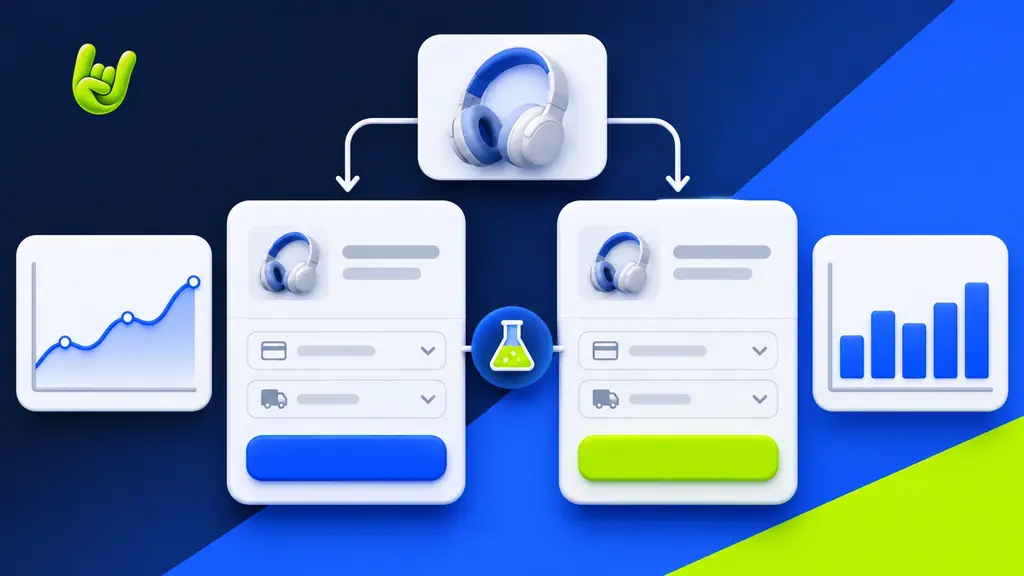
Feature
How to test a checkout change and decide whether to keep it
Checkout A/B testing compares two versions of the buying experience for the same product to see whether a deliberate change helps customers complete their purchase. EXNO offers checkout A/B testing and analytics alongside a Checkout Builder with 12 designs. Start with one buyer question, one change, and one result that would justify keeping it.
Read the guide
Feature
Let buyers choose the price without making them guess what they get
Pay what you want pricing lets a buyer choose the product amount, subject to the minimum you set on EXNO. Use it when the same download or access can sensibly be sold at different amounts. Choose a fixed price or separate editions when your workload, the files, or the usage rights change with the payment.
Read the guide
Feature
Offer a useful checkout extra without selling the same thing twice
Order bumps and upsells give buyers a choice to add something useful or select a more capable edition, at checkout or after the original purchase. On EXNO, use a bump for a distinct optional item; explain explicitly when an upgrade replaces a lower edition. The buyer who declines must still receive everything the original product promised.
Read the guide
Feature
Payment links: take your digital offer straight to checkout
Payment links give buyers a direct route to pay for your digital product without visiting a store page first. With EXNO, you can share that route where you already explain the offer, then use your checkout and post-purchase content to make the next steps clear.
Read the guide
Feature
Read your EXNO store statistics before deciding what to change
Creator store analytics shows how visitors reach your EXNO store, what they do before checkout and which sales the store records. Start with a question you can answer, compare the same dates and segments, then follow a change from visits to checkout opens, paid orders and earnings. A line going up does not by itself tell you why.
Read the guide
Feature
Sell a digital bundle buyers can judge item by item
Bundle digital products when two or more resources help a buyer finish a defined job and the buyer can tell exactly which files, versions and rights the single purchase includes. On EXNO, present the kit as an offer with a contents list, named exclusions and tested access to every component. A ZIP is a container, not proof that you built a useful bundle.
Read the guide
Feature
Should you charge different prices for the same digital product?
Purchasing power parity pricing is one approach to country pricing: relative purchasing power informs the price rather than simply converting a worldwide price into another currency. EXNO supports country-based pricing for digital products. Use it when a change serves a clear buyer need and leaves enough margin to keep delivering the product you promise.
Read the guide
Feature
Store Builder: turn your digital catalog into a clear storefront
EXNO Store Builder lets you design a digital product storefront with drag-and-drop editing and an AI assistant. Your store has its own name.exno.app address, and you can arrange pages, menus, a gallery, and contact information around the products your customers need to understand.
Read the guide
Feature
Use EXNO live chat to answer the question behind a purchase
EXNO provides live chat for online stores through a chat bubble on your storefront and an option to place it on your own website. Messages arrive in the EXNO dashboard, where you can reply to visitors and start a conversation with someone who is currently in your store.
Read the guide
Feature
Use the seller API and MCP to connect your EXNO workflow
The EXNO seller API and MCP connections let you bring supported seller operations into your own software and AI workflows. EXNO provides webhooks and SDKs alongside its API, plus MCP connections for Claude and ChatGPT. Choose one concrete job first, then match it to the operations and permissions available in the current integration documentation.
Read the guide
Feature
What can EXNO AI help you decide as a seller?
EXNO AI is an AI assistant for online sellers that answers questions in your language from the chat bubble at the lower right of the dashboard, 24 hours a day. Use it to understand an EXNO rule, review your store, compare prices on Discover or work on an idea; involve the EXNO team when the situation needs a person.
Read the guide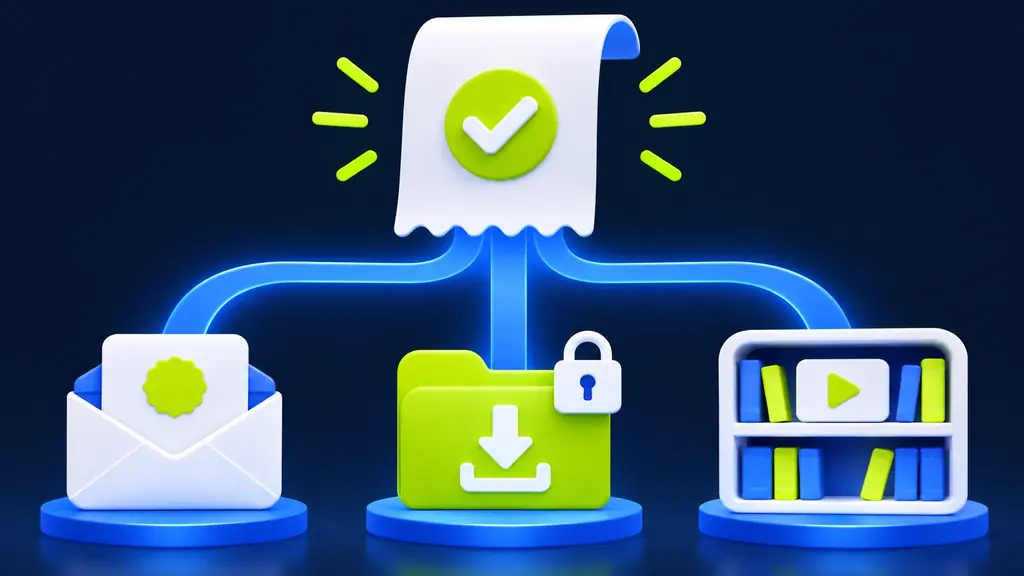
Feature
What happens between a paid EXNO order and a file a buyer can use?
Digital product delivery on EXNO connects a completed purchase to the buyer’s access: an emailed receipt identifies the order, while the buyer’s library is where purchased files or, where included, lessons and membership content can be reached. Test both the handoff and the content itself. A receipt that arrived, a file that downloaded and a lesson that opens are three different checks.
Read the guide
Guide
Build an online course around something learners can do
To learn how to create an online course, work backward from what learners should be able to do: choose a final task, design a way to check it, then plan the instruction and practice that lead there. Record a representative lesson before the rest and pilot the course with someone who has the starting skills you expect.
Read the guide
Guide
Can a digital product keep earning after you make it?
Passive income with digital products is possible when different buyers can use the same work without asking you to make it again. Delivery can happen while you are away; demand, support, and upkeep still need your attention. Start with the work you can remove from each order, then check whether enough orders would pay for the work that remains.
Read the guide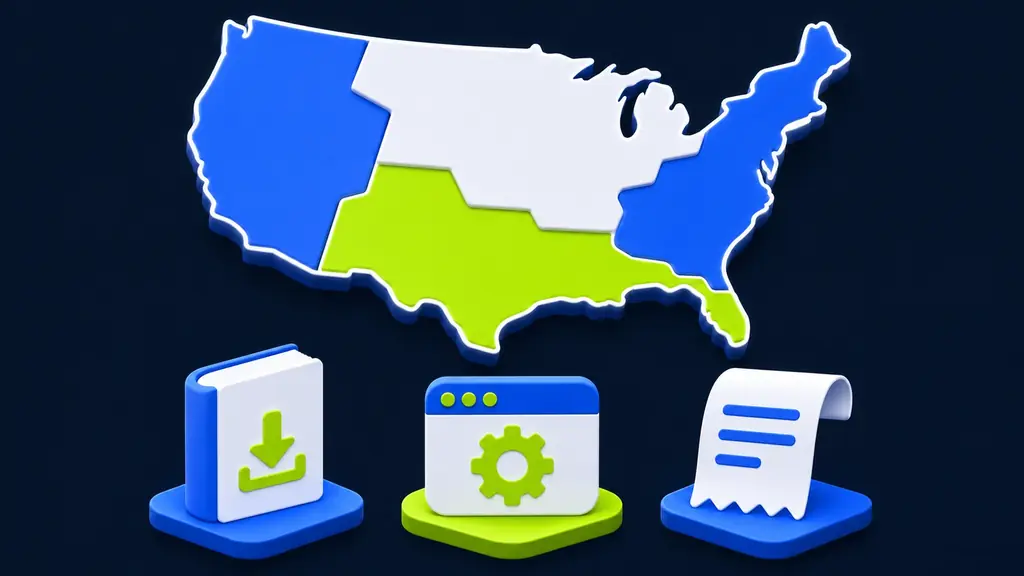
Guide
Do U.S. buyers owe sales tax on your digital product?
Sales tax on digital products in the United States depends on what the buyer receives, where the sale is sourced, and which state rules apply on the transaction date. A downloadable book, a prewritten software subscription and a package containing a printed copy can have different outcomes. EXNO handles applicable transaction tax on purchases through its checkout; your own sales elsewhere and your business’s other obligations remain separate.
Read the guide
Guide
EU VAT for digital products: understand the transaction
EU VAT for digital products depends on what is supplied, the customer’s status and location, and the rules that apply to the supplier. An online purchase does not have one universal VAT treatment, so this guide separates classification, location, collection, and pricing before explaining EXNO’s role.
Read the guide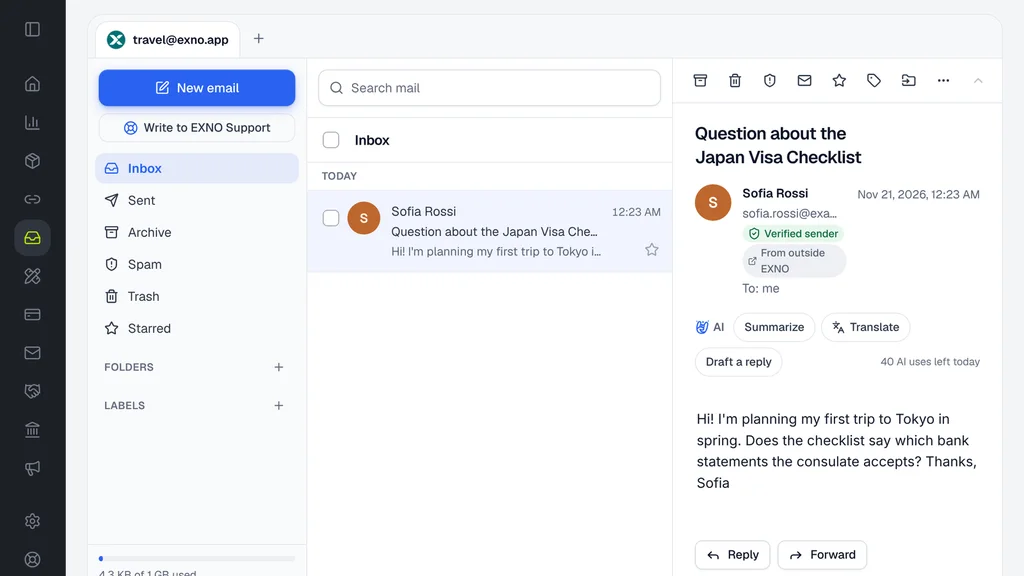
Guide
EXNO Mail: your store's own email address
Every EXNO store comes with its own email address, made from the store's link. Buyers' questions arrive in Mail in your dashboard and you answer from the same address. You can connect your own email accounts too and keep all your mail in one place.
Read the guide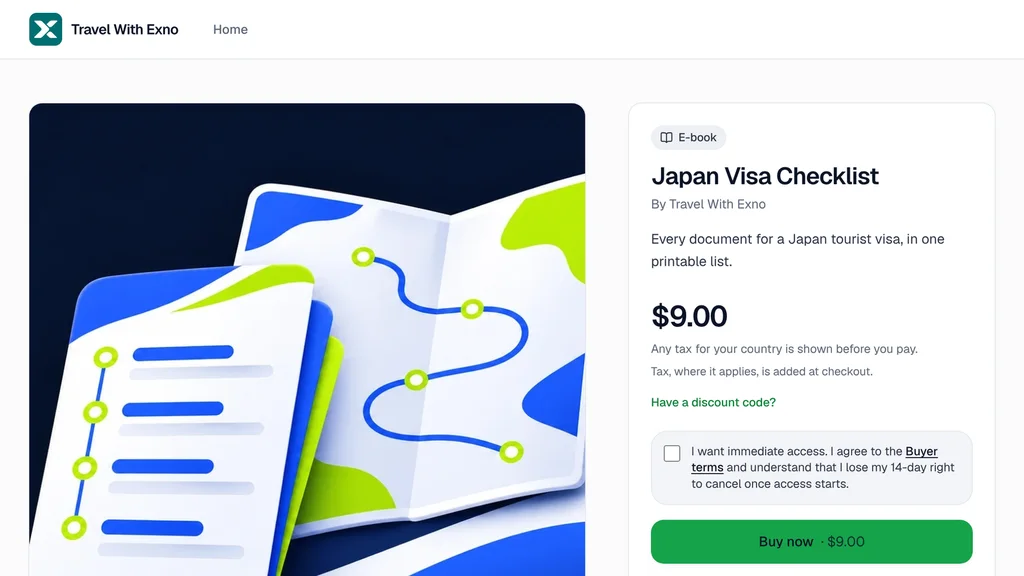
Guide
How to add a product to your EXNO store
Adding a product takes a few minutes: you create it, write the page buyers see, set a price, add a cover and the files buyers get, and publish. The clips below show every step in a real EXNO store, Travel With Exno, as it adds a Japan visa checklist.
Read the guide
Guide
How to make digital products easier to find in search
SEO for digital products starts with giving a buyer’s question a useful public page: name what the file does, show it working, and explain who can use it. Organize product pages and supporting guides around different needs, then measure search visibility separately from purchases.
Read the guide
Guide
How to sell digital products before you have your own website
You can sell digital products without a website by sending buyers to a hosted checkout, a storefront the selling platform provides, or a marketplace listing. Use a payment link for someone ready to buy, a storefront for someone comparing your offers, and a marketplace listing for someone searching by category. None requires you to build or maintain a separate site.
Read the guide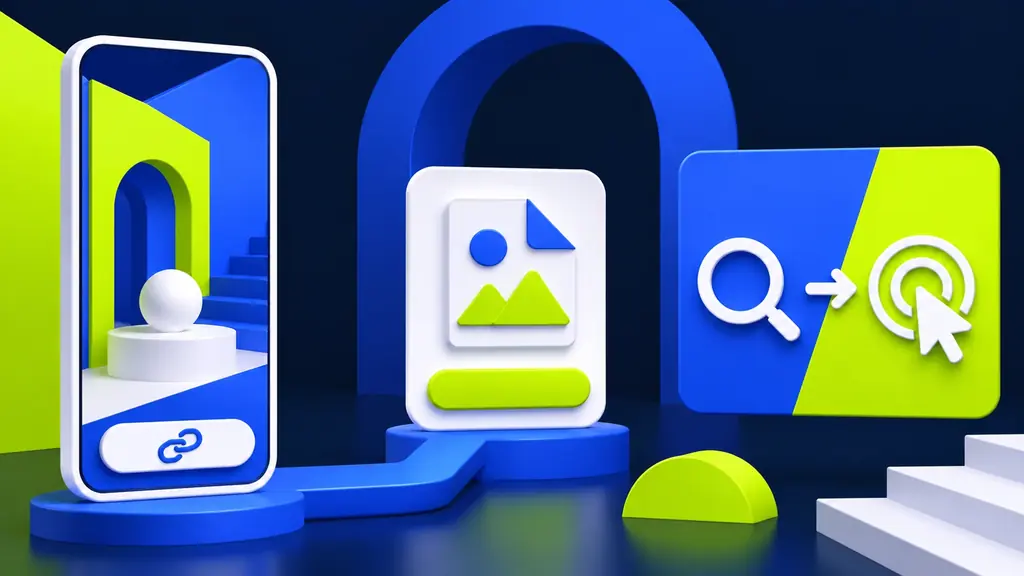
Guide
How to sell digital products on Instagram with your EXNO store
To sell digital products on Instagram, show one useful result in a Reel, carousel or Story, then direct interested viewers through an available profile link or Story link sticker to the matching EXNO product. Instagram is the discovery channel in this workflow. EXNO processes the order and provides the purchase-access route; a like, a saved post or a direct message is not a completed sale.
Read the guide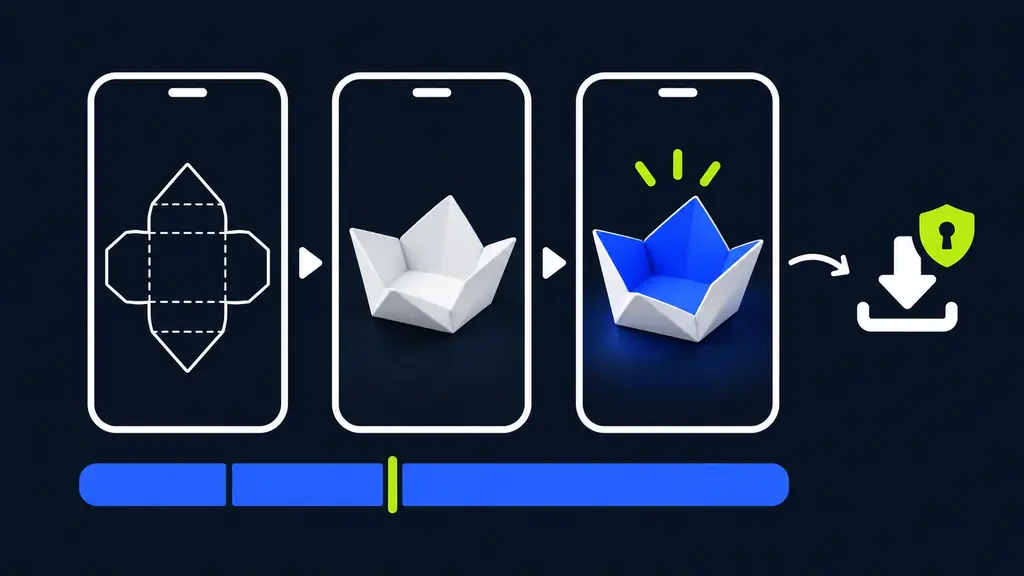
Guide
How to sell digital products on TikTok with your EXNO store
To sell digital products on TikTok through an external EXNO store, use ordinary non-Shop content, show the product working and share a website destination only when the account and applicable rules permit it. A native TikTok Shop sale is a different transaction: do not move its shoppers or orders outside Shop, and do not assume digital goods are freely eligible for a native listing.
Read the guide
Guide
Is your digital product ready to launch? A checklist you can run
A digital product launch checklist should end in a decision: publish when a buyer can understand the offer, complete checkout, receive the right item, and use it as promised. Rehearse that path before announcing, keep a person available for the first orders, and reserve a date to review what happened. A launch can be small; a broken delivery should stop it.
Read the guide
Guide
Make an ebook readers can open, navigate, and use
If you’re learning how to create an ebook, start with a reader and one clear promise, write and edit the manuscript, then choose the format that serves it. Prepare the cover and chapter navigation, export a clean edition, and test the actual download outside your writing app before you release it.
Read the guide
Guide
Make product mockups that show the actual download
Here’s how to make product mockups for a digital listing: open the file a buyer receives, capture a representative view and place it in a simple scene that explains how they will use it. Pair the scene with an unframed detail so nobody has to guess which parts are for sale.
Read the guide
Guide
Market a digital product by showing who can use it and what changes
To learn how to market digital products, start with one audience, demonstrate the job your product does, and put that proof in a channel where those buyers already make decisions. Pick a budget and a measure of success before launch. Views can reveal interest; the cost of obtaining additional paid orders tells you whether the test can support itself.
Read the guide
Guide
Merchant of record: who handles what in a digital sale?
A merchant of record is the party that acts as the legal seller in the transaction with the buyer. For a digital creator, the useful question is how that transaction role fits alongside your product, your storefront, and the support your customers need.
Read the guide
Guide
Migrate to EXNO with a clear plan for products and customers
Migrate to EXNO with EXNO Switch to move products and customers from another platform. Begin by confirming the supported transfer scope, then review a representative product and its buyer access before moving the rest of your catalog. This guide provides a working checklist for the preparation, verification, and purchase-route changes you control.
Read the guide
Guide
Reduce unauthorized sharing without punishing your buyers
To protect digital products from piracy, start with a clear license, separate public samples from the paid release, and keep records that show what you created and when. No sales page or file format can make every copy impossible; choose safeguards that address the risk without breaking legitimate use.
Read the guide
Guide
Set a price your buyer can justify and your product can sustain
To decide how to price digital products, combine what it costs to fulfill each sale, what a buyer would otherwise pay or do, and the actual value of the rights, files or support you include. Choose a starting price that leaves a positive contribution, explain the offer, and test it with comparable buyers. Your break-even calculation is a constraint, not proof anyone will buy.
Read the guide
Guide
Ten lead magnets that let someone try your work
Useful lead magnet ideas give someone a small result before you ask them to consider a bigger purchase: one tested file, one finished exercise, or one decision made. On EXNO, offer that resource as a free digital product and invite readers to join your newsletter separately, with a clear description of what you will send.
Read the guide
Guide
Turn a YouTube product demonstration into an EXNO purchase path
To sell digital products on YouTube, demonstrate what the buyer can do with the file and send viewers through a supported link to the matching EXNO offer. Use an eligible description link in a long-form video; for a Short, direct viewers to a related video or a labeled channel profile link instead of a non-clickable URL.
Read the guide
Guide
Use Pinterest to show the product and EXNO to sell it
To sell digital products on Pinterest, publish an original Pin showing what the download does and put the matching EXNO product page in its destination link. The Pin helps someone discover or save an idea; EXNO is where you describe the offer, take payment, and deliver the digital product.
Read the guide
Guide
What does a customer buy with a digital product license?
A digital product license tells the buyer who may use a file, for which projects, and what may be delivered to someone else. Selling a copy is not the same as transferring copyright. Name the allowed people, uses and outputs before checkout, then put the same terms in the download. A label such as “commercial” cannot answer those questions by itself.
Read the guide
Guide
What should a digital product refund policy actually promise?
A refund policy for digital products should tell buyers when they can get their money back, what to do when delivery or the product fails, and who handles the request. At EXNO checkout, EXNO is the merchant of record and handles buyer refunds. Your own listing can offer a more generous window, but cannot take away platform protections or mandatory rights.
Read the guide
Guide
What to do when a buyer disputes a digital product sale
Chargebacks on digital products happen when a buyer disputes a card payment through their card issuer rather than simply requesting a refund. On EXNO, submit the evidence for each case through the Disputes page; EXNO adds the order records and handles the response, while the disputed sale’s earnings wait for a decision.
Read the guide
Guide
Where should you sell your digital products?
The best platform to sell digital products depends on what you deliver, how buyers find it, and who should handle the transaction. Shortlist Etsy for original digital designs, Shopify for a shop that also ships goods, Gumroad for direct creator sales, and EXNO for a mixed digital catalog with a storefront and marketplace.
Read the guide
Guide
Which digital product should you make first? Start with a buyer’s unfinished job
The strongest digital product ideas help a specific buyer finish a task they are already trying to do: prepare a class, quote a project, edit a recording or hand off a finished design. Shortlist a few offers you can legally create and realistically support, then test a small usable sample before building the full product.
Read the guide
Guide
Which UK VAT treatment fits the digital product you sell?
UK VAT on digital products depends on what is supplied, where the customer belongs, whether they buy as a consumer or a business, and who makes the sale. A qualifying text ebook can be zero-rated while the audiobook version is standard-rated. For a sale through EXNO checkout, EXNO handles applicable buyer transaction tax as merchant of record; the creator still needs to describe the offer accurately and account for separate business obligations.
Read the guide
Guide
Write a digital product description buyers can check
The simplest way to learn how to write product descriptions for digital products is to open the exact file you sell and explain what someone can do with it. Name the result, show the contents that make it possible, and give the buyer one honest way to decide that it is not a fit.
Read the guide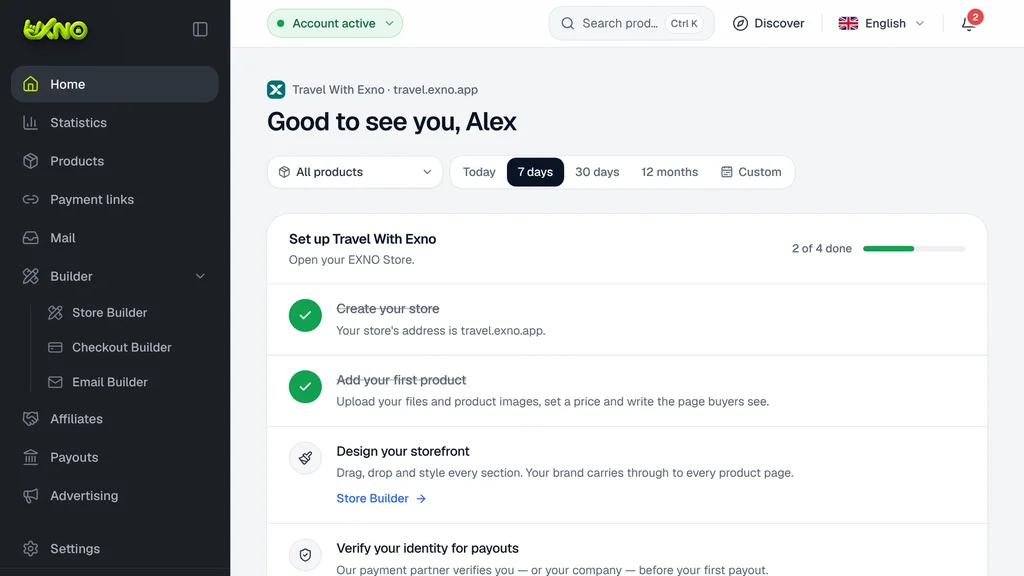
Guide
Your EXNO dashboard: where everything is
Everything you need to run your store is in one dashboard. This tour shows where each part is, with short clips from a real EXNO store.
Read the guide
Comparison
Beacons or EXNO: where should you run your creator business?
EXNO is a Beacons alternative if you want to sell digital products and services through your own store and a marketplace, with a merchant of record handling each sale. Beacons is a better fit if pitching sponsors, sharing affiliate recommendations, and selling to your social audience are equally important to you. You can also keep your Beacons media kit and send product shoppers to EXNO.
Read the guide
Comparison
Buy Me a Coffee or EXNO: what are people paying you for?
EXNO is a Buy Me a Coffee alternative when your income comes from selling digital products and services, not just collecting support from fans. Buy Me a Coffee is the better fit if a listener or reader should be able to thank you without buying anything, and its Shop and memberships can handle paid offers too.
Read the guide
Comparison
Choose a Lemon Squeezy alternative around your migration needs
EXNO is a Lemon Squeezy alternative for digital sellers who need a merchant of record, a storefront, and digital product delivery. Lemon Squeezy closed new store sign-ups on November 16, 2026, and says it will stop processing payments on March 31, 2027. For an existing seller, the decision now includes how to preserve customer access and establish a workable replacement before that deadline.
Read the guide
Comparison
Compare EXNO as a Payhip alternative for your digital store
EXNO is a Payhip alternative for sellers who want merchant-of-record sales handling, a store with an AI-assisted builder, and product-specific checkout design. The useful comparison starts with the work you need the platform to do and the total cost of your sales mix. Use the plan calculations and product checks below to decide whether a change would help your business.
Read the guide
Comparison
Creative Market or EXNO: which platform fits your business?
EXNO is a Creative Market alternative if you want one storefront for downloads, software, teaching, and client work. Keep Creative Market when buyers come to license your design assets under familiar terms; consider EXNO when you want to shape the checkout and sell more than an asset license.
Read the guide
Comparison
EXNO or Bandcamp: which platform fits what you sell?
EXNO is a Bandcamp alternative for a studio that sells digital tools, files, instruction, or services as well as music. Bandcamp is the stronger fit for a record release that fans will stream, collect, or buy on vinyl; EXNO does not sell physical goods. If your audience includes both fans and working creators, the two stores can serve different customers.
Read the guide
Comparison
EXNO or Kajabi: where should you build your digital business?
EXNO is a Kajabi alternative when you want to sell digital products and services through a customizable store, pay a commission instead of a monthly platform bill, and have a merchant of record handle the customer transaction. Kajabi is worth its subscription when you use its website, lessons, community, coaching, email or paid publications together. Choose by the work each platform takes off your hands, not by the fact that both have a checkout.
Read the guide
Comparison
EXNO or Patreon: what do your customers come back for?
EXNO is a Patreon alternative when a buyer needs a digital product, a class, an activation or a paid service as well as, or instead of, a membership. Patreon is often worth keeping when customers return for a creator’s posts, member conversations and benefits in one familiar place. Both platforms can charge once or on a recurring basis; the meaningful difference is how people buy, what they can access later and who handles the sale.
Read the guide
Comparison
EXNO vs. Ko-fi: choose a selling platform without losing your support channel
EXNO is a Ko-fi alternative for the selling side of a creator business, not a replacement for every way a supporter gives money. Choose EXNO for an eligible catalog of digital products, software, courses, services and recurring access when you want product checkout and a merchant of record. Keep Ko-fi for voluntary tips, public funding goals or a commission queue your supporters already use. A shop can use both if it makes clear what each payment buys.
Read the guide
Comparison
EXNO vs. Podia: compare the storefront, the products and the work behind each sale
EXNO is a Podia alternative for selling digital downloads, courses, memberships, software and services without a monthly platform subscription, with EXNO acting as merchant of record. Prefer Podia if you want your website, email list, teaching, community and coaching offers to operate together and would otherwise pay to replace them. The right choice depends on what you sell, what customers expect after checkout and which work you want to handle yourself.
Read the guide
Comparison
EXNO vs. SendOwl: compare the sale, the delivery and the support bill
EXNO is a SendOwl alternative if you want a digital storefront and merchant-of-record checkout, not just a different way to deliver an order. SendOwl is a strong choice when you want to remain the merchant, use your own payment account and keep fine control of files, updates, bundles and recurring products. Compare the whole catalog: a software key, a paid class, a service and a library of large downloads do not put the same demands on your selling platform.
Read the guide
Comparison
EXNO vs. Shopify: which store fits a digital product business?
EXNO is a Shopify alternative for digital products when you want one platform to sell and deliver a varied catalog, handle the covered transaction as merchant of record and charge a percentage instead of a monthly store subscription. Keep Shopify if stock, shipping, retail channels or a well-integrated set of apps are important to your business; Shopify can also deliver downloads and supported access links with its free Digital Products app. Compare the platform cost and the work left after checkout, not just whether a Buy button appears.
Read the guide
Comparison
EXNO vs. Stan Store: compare what happens before, during and after the sale
EXNO is a Stan Store alternative for creators who want to sell a varied digital catalog through their own storefront or checkout links without a fixed monthly platform fee. Stan suits a social-first business that wants courses, calendars, subscriptions, lead capture and Instagram message automation behind a profile link. EXNO’s reason to switch is not that Stan cannot sell downloads; compare which tools you actually use, which party handles buyer taxes and how much your sales volume costs on each route.
Read the guide
Comparison
EXNO vs. Teachable: which fits the digital business you want to run?
EXNO is a Teachable alternative if you want to sell courses alongside downloads, creative work, software, memberships or services through a digital storefront without a monthly platform fee. Choose Teachable when the learning experience is the product: graded progression, completion certificates, student apps and coaching milestones can matter more than the checkout rate. Both can sell files, teach students and charge repeatedly; the decision is what the buyer must be able to do after paying.
Read the guide
Comparison
EXNO vs. Thinkific: which platform fits your digital business?
EXNO is a Thinkific alternative for selling digital products and services through your own storefront and the Discover marketplace. It suits sellers who want customers to download a file, buy software, or hire them for custom work from the same catalog. Thinkific is a strong choice when the same catalog needs to serve individual buyers and companies purchasing assessed training for a team.
Read the guide
Comparison
EXNO vs. ThriveCart: should your store start with a funnel?
EXNO is a ThriveCart alternative for a digital business that wants a browsable storefront, marketplace discovery, and a merchant of record. ThriveCart is a strong option for sellers who build each purchase around a main offer, upsells, downsells, and specific fulfillment rules, or who need to ship physical goods alongside their digital work.
Read the guide
Comparison
EXNO vs. Udemy: where should you sell your digital products and services?
EXNO is a Udemy alternative for instructors and digital sellers who want their own storefront for courses, downloads, software, and services. Choose Udemy when reaching people already shopping for instruction matters more than designing the buying experience; choose EXNO when customers need to buy different things from you, at prices you set. You can also keep a course on Udemy while opening a store for separate offers.
Read the guide
Comparison
EXNO vs. Whop: where should you run your digital business?
EXNO is a Whop alternative for sellers who want a single store for digital products and services, with EXNO acting as merchant of record. Whop is a stronger fit when customers are buying entry to a space you assemble from apps, or when you want payment infrastructure for a platform of your own.
Read the guide
Comparison
FastSpring or EXNO: which merchant of record fits your catalog?
EXNO is a FastSpring alternative for digital businesses that want a storefront, delivery tools and published standard seller fees without giving up a merchant of record. Keep FastSpring on the shortlist when sales-assisted quotes, invoicing, configurable software fulfillment or an established subscription operation matter more than comparing public price lists. Both platforms handle covered buyer transaction taxes; the useful questions are what happens after the payment, which sales workflows you need and what your own FastSpring quote includes.
Read the guideComparison
Is EXNO the right Dodo Payments alternative for your digital products?
EXNO is a Dodo Payments alternative for sellers who want a designed store and a marketplace around checkout, with file delivery and license keys built in. Choose Dodo Payments when lower card rates in the US, a wide spread of payment methods or capped debit payments on large orders matter more than the storefront.
Read the guide
Comparison
Is EXNO the right Gumroad alternative for your store?
EXNO is a Gumroad alternative for digital sellers who want a customizable store and product-specific checkout. EXNO’s standard and Discover platform commissions are both 7%. Gumroad may suit sellers whose needs match its workflow, editing options or account-specific pricing. Compare the full terms and the work involved in a move before choosing.
Read the guide
Comparison
Is EXNO the right Paddle alternative for your digital store?
EXNO is a Paddle alternative for sellers who want customers to browse a store, choose an edition and receive their purchase without a custom delivery workflow. Choose Paddle when your product is a running application and the harder job is billing for seats or plan changes partway through a subscription.
Read the guideComparison
Is EXNO the right Polar alternative for your digital products?
EXNO is a Polar alternative for sellers who want buyers to find, browse and buy from a store they design, with private file delivery and license keys built in. Choose Polar when your buyers are developers and what they pay for is access: a private repository, a Discord role or a key your own code checks.
Read the guide
Comparison
itch.io or EXNO: where should each part of your business live?
EXNO is an itch.io alternative for creators who sell a catalog of downloads, classes, and services, not a substitute for a place to play games in a browser. Keep itch.io for playable projects and jam participation; choose EXNO when you want a storefront and checkout built around everything else you sell.
Read the guide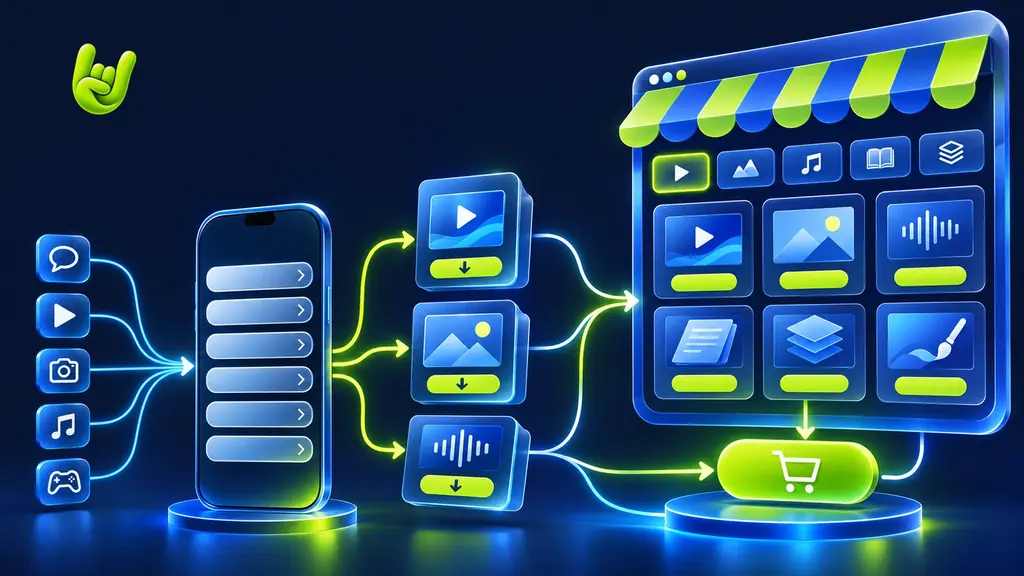
Comparison
Linktree or EXNO: where should the sale happen?
EXNO is a Linktree alternative for selling when you want your profile link to open a digital store that handles checkout, delivery and buyer transaction taxes. Keep Linktree if visitors need several destinations, such as a podcast, a booking page and a sponsor’s site. You can also keep that directory and send just the shoppers to EXNO.
Read the guide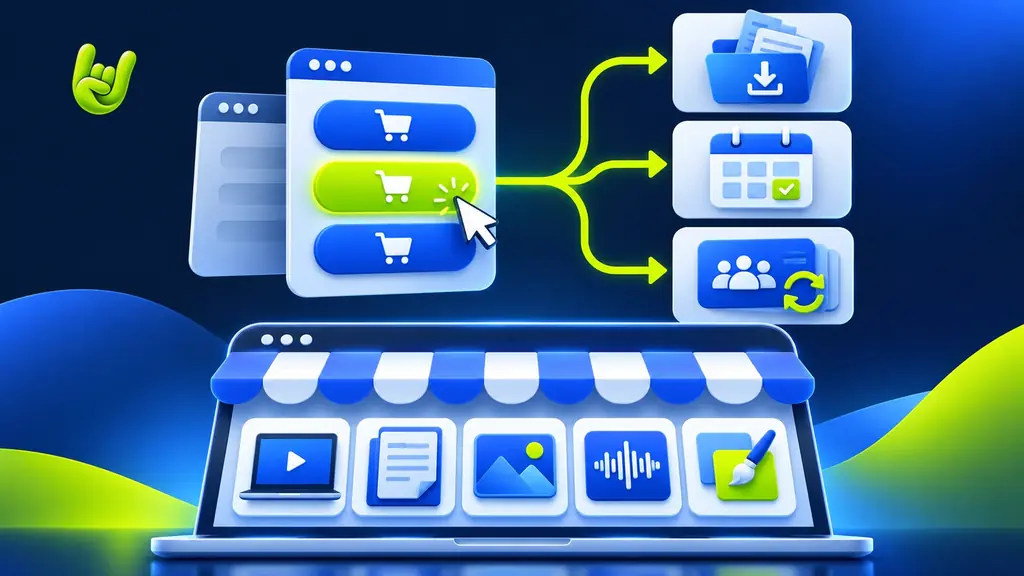
Comparison
SamCart or EXNO: which platform fits the way you sell?
EXNO is a SamCart alternative for sellers who want a digital storefront, a searchable marketplace, and a merchant of record without a monthly platform fee. SamCart is a strong fit for businesses that build sales pages around individual offers, especially if they also sell physical products or already rely on its subscription and checkout tools.
Read the guide
Comparison
Sellfy or EXNO: which platform should run your store?
EXNO is a Sellfy alternative for digital sellers who want a storefront, product-specific checkout and a merchant of record. Sellfy can fit a catalog that combines shipped products and downloads. Compare the order types you take, the full terms applicable to each service and the party responsible for the customer transaction.
Read the guide
Comparison
Teachers Pay Teachers or EXNO: where does your catalog belong?
EXNO is a Teachers Pay Teachers alternative if you want to sell beyond classroom materials, from ebooks and design templates to software, music, video, and consulting. Teachers Pay Teachers (TPT) is a stronger fit when teachers already search for the kind of resource you make. Before you sell on both platforms, check whether your TPT membership restricts where the purchase can take place.
Read the guide
Comparison
Where should your next digital download sell: EXNO or Etsy?
EXNO is an Etsy alternative for digital downloads when buyers already come from your tutorials, mailing list or website, or when your files and editions have outgrown an Etsy listing. Keep Etsy for products people discover by searching its marketplace. You can use both without sending an Etsy shopper to a different checkout.
Read the guide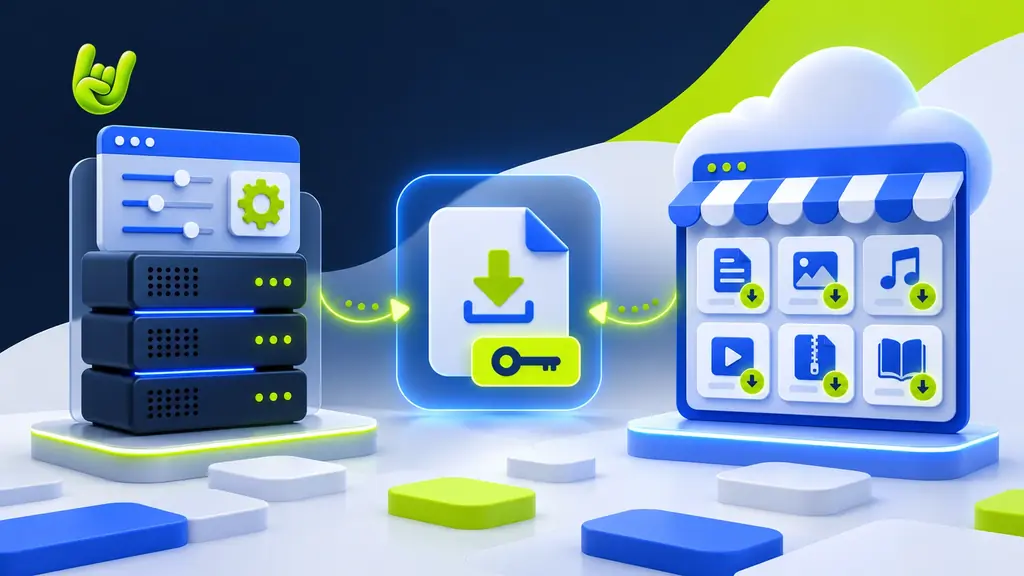
Comparison
WooCommerce® or EXNO: what should you keep in your own store?
EXNO is a WooCommerce alternative for digital downloads when you also want to sell courses, software, creative assets, and services without running the checkout on WordPress. WooCommerce is the stronger fit if the store depends on its WordPress design, specialist extensions, or combined physical and digital orders.
Read the guide