 Gumroad



 Polar
 Kelviq
 Stan

Guide
Write a digital product description buyers can check
The simplest way to learn how to write product descriptions for digital products is to open the exact file you sell and explain what someone can do with it. Name the result, show the contents that make it possible, and give the buyer one honest way to decide that it is not a fit.

What does the buyer need to know before choosing?
A useful description answers four questions in the order a buyer encounters them: what job the product does, what arrives after purchase, what is needed to use it and what the buyer may do with it. If any answer would change the purchase decision, do not leave it for the receipt.
Suppose you are comparing two illustration packs. One contains flat images for slides; the other has editable vectors for a designer. Both could truthfully say “24 illustrations,” but that fact alone does not help you choose. Say whether someone can change individual shapes, swap colors or only resize the final image.
Start your research with a copy of the buyer’s download, not the working folder. Count designs separately from exported files: twelve motifs in three formats are twelve designs and 36 files, not 36 unique illustrations. Open the instructions, too. If they refer to an extra font or application, put the requirement where someone can see it before paying.
A one-minute test:
Hide the title and ask someone to describe what they would receive. If they say “a finished website” when you sell a set of editable screen layouts, change the first sentence, not just the FAQ.
How do you turn file facts into a useful first draft?
Write the first draft from a short list of verified facts, then attach a use to each important fact. Lead with a concrete task such as building a weekly production schedule, not an adjective such as “powerful,” and reserve specifications for the places where they help someone decide.
- Make an inventory. Write down file names, counts, formats, instructions, tested requirements and the actual usage terms. Record the product version you opened. Keep the inventory private; it is evidence for the copy, not necessarily the copy itself.
- Write a task sentence. “Plan five recording sessions and see which tracks still need edits” tells a musician what an audio production worksheet is for. Do not promise hours saved unless you have evidence for that particular claim.
- Show how. Follow the benefit with one working detail: “The session tab groups tracks by recording date, and the edit column records their status.” This gives the reader something to look for in the preview.
- Add a short contents list. Group by purpose rather than by the order of files inside a ZIP. For example, pair a blank workbook with its completed example; list the setup notes separately.
- Finish with fit and limits. State which application you tested, what is excluded, what use the license allows and where to begin. Distinguish between “not tested” and “does not work.” One describes your evidence; the other makes a stronger claim.
WooCommerce’s own product-page guidance makes a useful distinction between leading with a benefit and making prerequisites visible.1 For your listing, the practical question is which prerequisite would most surprise this buyer. Put that one near the opening rather than burying it in technical notes.
What does stronger copy look like for different offers?
Replace vague praise with a task and an observable detail that proves the product can help with that task. The examples below are fictional product specifications, not claims about a particular store; a useful rewrite for an audio download will emphasize different evidence than one for a worksheet or service.
| Instead of | Try a specific description | What it resolves |
|---|---|---|
| “A huge sound library” | “Layer 18 isolated door sounds under dialogue. The WAV files include soft closes, latch clicks and slams; no music bed is included.” | Whether the editor receives individual effects or a finished mix. |
| “Take control of your projects” | “Compare deadlines for up to six active projects in one workbook. The example tab shows how to enter a task and mark it done.” | What the spreadsheet actually tracks and how the buyer starts. |
| “Professional portfolio help” | “Submit three portfolio pages and receive written notes on project order, captions and the opening image. A redesigned portfolio is not included.” | Whether the buyer receives feedback or a finished design. |
A complete short description you can adapt
Session Planner Workbook: Keep recording dates and unfinished edits together in one spreadsheet. You receive one XLSX workbook with a blank schedule and a filled example, plus a two-page PDF setup guide. The workbook was tested in desktop Excel; other spreadsheet apps have not been tested. Change the track names and dates for your own sessions. The sound clips shown in the walkthrough are not included, and the license does not allow sharing the blank workbook.
In your own version, replace every specific detail, including the software test and usage terms, with a fact you verified. Notice that the example names the two items in the download without counting the workbook tabs as separate products.
For a bundle, name the item that anchors the purchase and then explain what its companions add. A workbook, example and quick-start PDF can be one workflow rather than three unrelated bonuses. For a product with editions, set the differences side by side and state when two editions contain the same material.
Make the actual rights match the summary. “For client projects” leaves open whether a client may receive the reusable source file. The digital product license guide can help you identify questions to answer; the text on your own page should reflect the permission you really grant.
What should you check before and after publishing?
Read the first screen on a phone, then compare each promise with the current delivery files and the images beside it. After publishing, use recurring questions as clues about missing information; do not assume a change in sales or visits proves a particular sentence helped or hurt.
- Walk through the first use. Start from a clean copy. If the instructions say to duplicate a file but your description says it arrives ready to edit, explain that one extra step.
- Read only the headings and links. W3C recommends informative headings and meaningful link text.2 Labels such as “Included files” and “Supported software” let someone jump to the part that matters without reading your brand story.
- Try a second reader. EXNO AI can help with product descriptions. Give it verified facts and ask what a first-time buyer could misunderstand. Keep a suggestion only if your file inventory supports it; a polished draft is not a compatibility test. Learn how to direct the EXNO seller assistant.
- Look for the next question. EXNO statistics show product views, checkout opens and sales. If many people reach the product and few open checkout, inspect the price, preview and audience alongside the description. The creator analytics guide explains how to read those signals without treating them as proof of cause.
A useful final edit is to search the draft for “all,” “every” and “any.” Can you really support every file editor, every device or any commercial use? Replace a broad promise with the conditions you tested or the rights you hold.

What would your product description look like as one icon?
A good product sentence and a small icon both ask you to choose one recognizable idea: a note for an audio score, a grid for a planning sheet or a pen for a brush pack. On the EXNO Pixel Wall, a rectangle can hold an image, a title and an optional link.
Approved spaces remain on the wall, and each pixel costs $1. Place a visual shorthand for your work on the EXNO Pixel Wall if you would like to help fund the platform’s growth.

Frequently asked questions
There is no single length or opening that works for every download, but every description should allow a buyer to identify the product and its limits. The questions below cover the decisions that most often complicate a first draft: length, requirements, source files and similar products.
How long should a digital product description be?
Stop when the buyer can decide whether the offer fits and knows how to begin. A single icon file needs less explanation than a tool with several editions and software requirements.
Should I put the file format in the first sentence?
Put it early when it changes who can use the item. If a buyer might reasonably mistake a PDF guide for an editable workbook, the opening is the right place to say PDF.
How do I say a source file is not included?
State exactly what arrives, then name the missing format if the preview could suggest otherwise. For example: “Includes flattened PNG illustrations; layered project files are not part of this pack.”
Can similar products use the same description?
Shared requirements can use consistent wording if they are true for both products. Rewrite the opening and examples around the difference that would make someone choose one instead of the other.
General information, not tax or legal advice.
Sources
The product-page reference supports the distinction between benefits, technical detail and prerequisites, while the accessibility reference explains why wording and headings should make a page easy to scan. The sample offers and copy edits in this guide are illustrative and do not represent listings or results from real sellers.
- WooCommerce developer documentation: linking product benefits to requirements and prerequisites· checked 20 November 2026
- W3C Web Accessibility Initiative: clear language, headings and meaningful links· checked 20 November 2026


Put one verified description on your product page
Choose an item you know well, open the customer copy and write down one useful task, one piece of proof and one reason the item might not fit. Use those facts to build the page before spending time on another headline or a longer list of adjectives.
Keep reading
Guide
How to add a product to your EXNO store
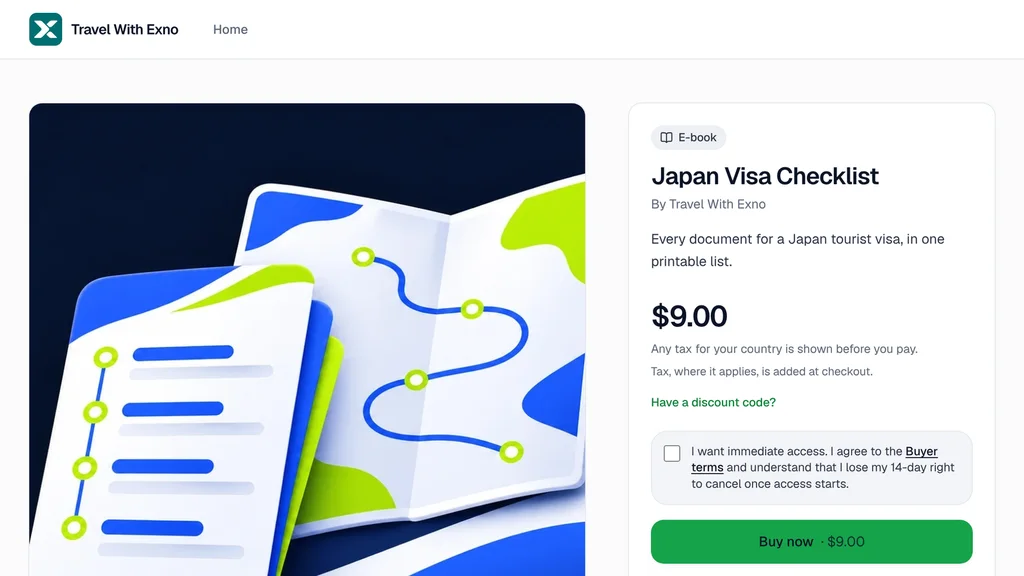
Adding a product takes a few minutes: you create it, write the page buyers see, set a price, add a cover and the files buyers get, and publish. The clips below show every step in a real EXNO store, Travel With Exno, as it adds a Japan visa checklist.
Read the guide
Guide
Where should you sell your digital products?
The best platform to sell digital products depends on what you deliver, how buyers find it, and who should handle the transaction. Shortlist Etsy for original digital designs, Shopify for a shop that also ships goods, Gumroad for direct creator sales, and EXNO for a mixed digital catalog with a storefront and marketplace.
Read the guide
Guide
What to do when a buyer disputes a digital product sale
Chargebacks on digital products happen when a buyer disputes a card payment through their card issuer rather than simply requesting a refund. On EXNO, submit the evidence for each case through the Disputes page; EXNO adds the order records and handles the response, while the disputed sale’s earnings wait for a decision.
Read the guide