 Gumroad



 Polar
 Kelviq
 Stan

Selling guide
How to sell icon packs and illustration sets that fit a real project
To sell icon packs, design a set that completes one job, show it at its intended size, and package files and permissions a buyer can understand. For illustration sets, show how scenes and individual elements fit together before asking someone to buy the collection.
Which collection is worth making?
Choose one place your art will be used, then draw the smallest set that completes the job. A useful booking interface needs more than dates and clocks, including symbols for a changed or canceled reservation; an illustration series needs enough scenes to tell a complete story.
Write a one-screen brief
Try this: “A maker-space website needs a visitor to find a workshop, reserve a place, arrive with the right supplies, and reschedule.” List the actions before drawing the icons. Underline any two that read the same at a glance. If cancel and delete are indistinguishable without their captions, one needs a different silhouette.
For illustrations, sketch the moment before, during, and after the activity. A person looking at tools, two people at a workbench, and a completed object make a more useful three-scene kit than three poses of the same person holding a hammer. Tell buyers whether characters, backgrounds, and props are separable.
How do you package files that work at the advertised size?
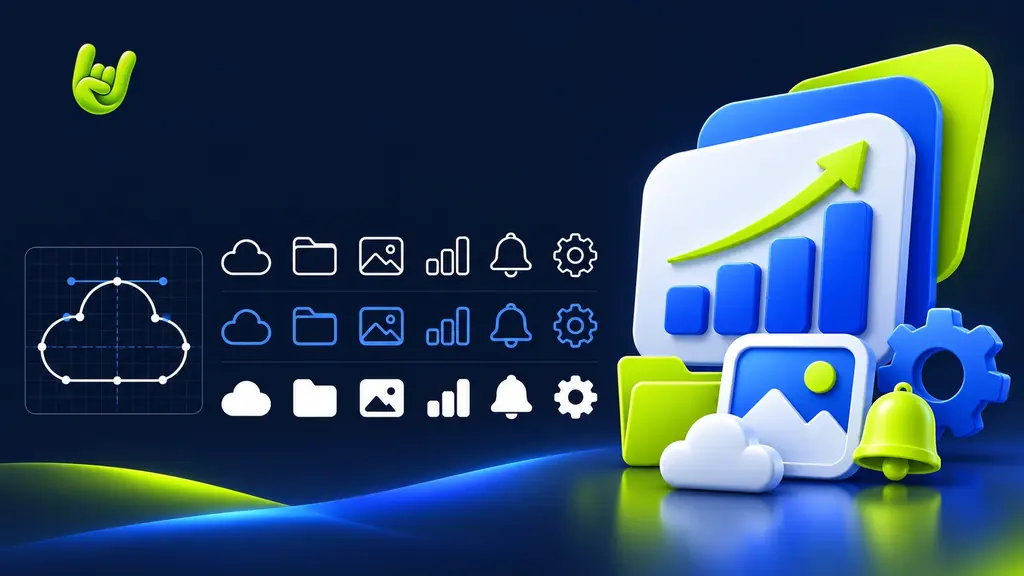
Build the pack around the buyer’s working size, not the size of your portfolio image. Export a vector file for shapes that should scale, fixed-size files for buyers who need a quick drop-in asset, and a labeled index that connects the preview to the download. 12
| Deliverable | Useful for | What to test |
|---|---|---|
| Individual SVG icons | Product designers who need shapes that scale or change color. 12 | Open a file outside your authoring tool, resize it, then recolor an actual path. Check that the outermost strokes stay inside the viewBox. |
| Transparent PNG exports | People assembling slides, documents, or layouts without a vector editor. PNG supports full alpha transparency. 2 | Place one export over black, white, and a saturated color. Look for white matte fringes and accidental opaque backgrounds. List actual pixel dimensions. |
| Editable illustrations | Art directors adapting a scene for a different crop, palette, or message. | Change a feature color and hide one foreground object. If the art cannot survive those edits, describe it as a flattened illustration rather than an editable scene. |
| Visual index | Someone who wants to choose an asset before browsing dozens of files. | Put the exact filename under every thumbnail; check that searching the download for that name yields the pictured item, not an older draft. |
Two tests that catch attractive but unusable art
- Run a size ladder. For icons designed on a 24-unit grid, inspect actual renders at 16, 20, 24, and 32 pixels. Tiny details may disappear, and a drawing that feels centered on its own may look too high beside the others. If you redraw a small-size variant, label it as a variant, not a new concept.
- Run a clean-folder test. Unzip the customer copy into an empty directory. Open a scene without your fonts or linked artwork. If text changes, an illustration vanishes, or an SVG contains only one embedded bitmap, correct the master or narrow the listing’s claims before adding more styles.
For interface examples, name an icon-only control after its action. A downward arrow that saves a report needs a label like “Download report”; the identical drawing can be decorative if that text is already next to it. Explain this distinction in the usage notes rather than supplying one supposedly universal label for every placement. 3
How should you price the pack and describe usage rights?
Price the amount of usable work and the permission you grant, rather than the number of files in a ZIP. Tell buyers whether they can edit the assets, use them for clients, or share source files within a team; do not confuse using an illustration in a project with distributing the illustration itself. 4
Make the count auditable. Suppose you drew 24 distinct icons, each in two styles and three PNG sizes. That is 144 PNG files, not 144 distinct icons. An illustrative $18 personal-use offer and a $36 client-use offer could contain the same artwork; the difference must be visible in the permission summary. These are sample prices, not market averages.
Keep a simple rights record for each component: who drew it, what the agreement permits, and whether the permission extends to editable distribution. Do not assume stock textures, embedded fonts, or brand marks may be resold as a pack. If you cannot establish the needed permission, replace the element. Copyright and trademark are separate questions. 45 For a fuller explanation of the permission summary, see how digital product licenses work.
How do you launch and show buyers what they get?
Set up one EXNO product for a specific collection, then take the customer from a small preview to the right file in as few decisions as possible. A full contact sheet proves what is in the box; a close-up and a real layout show whether the art works for their project.
- Assemble the release. Put the exports, a visual index, the license, and short usage notes into a versioned folder. Keep public preview images outside it so the contact sheet cannot be mistaken for the product.
- Build the gallery. Use EXNO Store Builder to put the smallest icon size beside an enlarged detail. For illustrations, show both the assembled composition and the components actually included. Say explicitly if the sample typeface or mockup is not in the download.
- Rehearse the handoff. On the purchase confirmation page, point people to the index first. In a test copy, give someone one task: find the outlined calendar and recolor it. Watch where they stop; fix the filename or instructions rather than offering a longer description.
- Measure interest by pack. Compare the product’s views, opened checkouts, and sales in EXNO statistics. If the preview brings visits but few checkout opens, try showing an actual-size toolbar, not just another large decorative collage.
What should you check before calling the release finished?
Test the pack on the job its label promises: place neighboring icons in a navigation bar, switch backgrounds under the illustrations, and hand the archive to someone who does not own your original design files. A clear failure there is more useful than polishing the cover again.
- Counts: distinguish concepts from colors, file formats, sizes, and filled versus outlined variants.
- Meaning: if “archive,” “inbox,” and “tray” are the same outline with slightly different lines, show the difference at actual size or drop the ambiguous entry.
- Rights: include the same permission summary in the store and download. For client work, explicitly explain whether the client receives reusable source assets or only the finished design.
EXNO handles applicable sales tax, refunds, and disputes as merchant of record.
Choose one shape for the Pixel Wall
Pick an original symbol from the pack and reduce it until the silhouette alone carries the idea. An EXNO Pixel Wall rectangle can hold that little drawing, a title, and an optional link, making it a permanent signature rather than one more product mockup.
Each pixel is $1, and only approved artwork appears. To support EXNO’s growth, place your smallest legible mark on the wall.

Frequently asked questions
A useful icon or illustration offer answers three questions before purchase: how many original designs are there, can I adapt them, and what can I do with the result? These distinctions matter more to a buyer than the number of artboards in your working file.
Do I need to include both SVG and PNG?
Include both if your audience spans people editing vectors and people inserting finished images. Name the actual PNG sizes and disclose whether SVG elements are editable paths rather than embedded raster art. 12
Can I call different colors separate icons?
You can count the files, but label colors as variants. Lead with the number of different concepts so a buyer can compare two packs fairly.
Should every illustration be fully editable?
No. A flat image may suit a buyer who wants a finished scene; say exactly what they can change. For a layered edition, demonstrate one meaningful edit in the preview.
Can a client receive the original files after buying a commercial license?
Only if the applicable terms allow that handoff. Specify whether the client may receive a finished layout, editable project files containing the art, or the reusable assets themselves. 4
What should an icon-only button be called?
Describe the action in its context, not the geometry of the symbol. If the drawing merely repeats an adjacent label, the decorative image may not need a separate text alternative. 3
General information, not tax or legal advice.
Sources
The technical references explain vector coordinates, raster transparency, and why an icon’s accessible name depends on how it is used. The intellectual property resources distinguish copyright permissions from trademarks; the suggested grid sizes, pack counts, example prices, and launch tests above are editorial examples, not standards.
- W3C: SVG coordinate systems, viewports, and viewBox· checked 20 November 2026
- MDN: SVG vector images and transparent PNG exports· checked 20 November 2026
- W3C Web Accessibility Initiative: functional and redundant images· checked 20 November 2026
- WIPO: copyright, permission, and licensing· checked 20 November 2026
- WIPO: trademarks and the signs used to distinguish goods and services· checked 20 November 2026


Start with the collection you would use tomorrow
Choose a screen or a story, lay out every required asset, and remove anything that does not help complete it. When the export passes the small-size and clean-folder tests, prepare the store page with the same filenames and permission summary your customer will find inside.
Keep reading

Selling guide
How to sell 3D model packs that survive a buyer’s first import
To sell 3D models, define the buyer’s use, test the exported asset in that environment, and package the geometry, textures, documentation and license together. Sell the result as a digital download on EXNO. A studio buying modular game scenery needs different evidence from a designer buying a still-render prop or a maker buying a printable part.
Read the guide
Selling guide
How to sell finished AI-assisted art without overstating the rights
To sell AI art, start with a finished visual product you created or have permission to sell, check the model and asset terms, and give buyers accurate files and usage terms. A customer purchasing a background set should know its pixel dimensions, what you edited, what they can use it for, and whether they are buying images or a tool that makes them.
Read the guide
Selling guide
How to package AI automation templates buyers can run themselves
To sell n8n templates, package an original workflow with its input format, setup instructions, a safe sample, and a result the buyer can check before enabling it. Make and Zapier use different ways to share automation, so sell the edition you actually tested. The buyer supplies their own authorized accounts and keys; the download is not a running service.
Read the guide