 Gumroad



 Polar
 Kelviq
 Stan

Selling guide
How to turn a Figma template or UI kit into an editable product
To sell Figma templates that people can actually reuse, deliver a tested design file, show a meaningful edit in the preview, and explain who may use it for what. On EXNO, you can sell a single workflow or a broader UI kit, with a downloadable file and a product page that makes the difference clear.
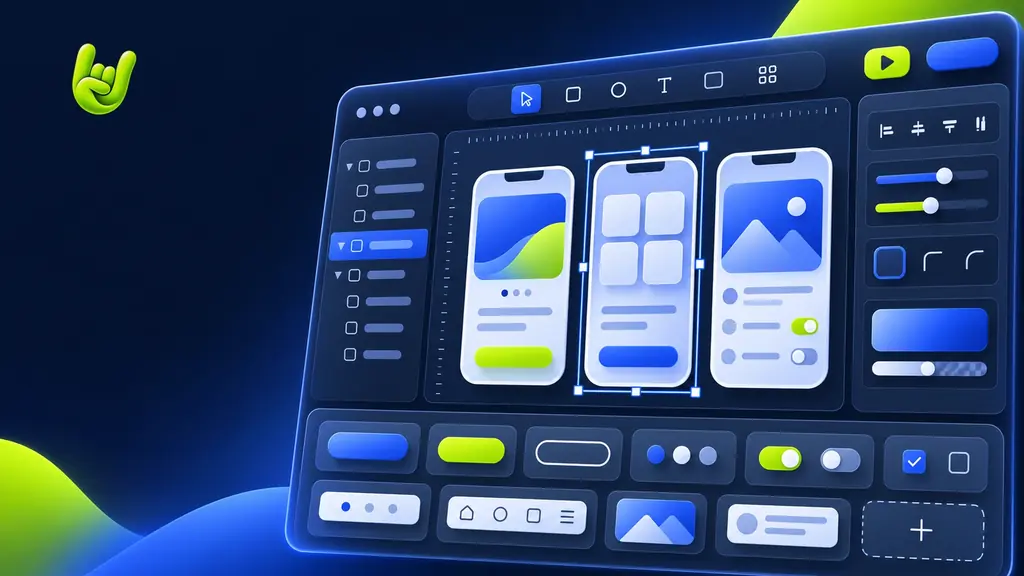
Is your product a template, a UI kit, or a design system starter?
A template gives a buyer a particular starting layout; a UI kit gives them reusable pieces for making other layouts. A design system starter adds conventions about how those pieces should work together, so a customer can choose it for consistency across a team rather than the number of screens in the preview.
| Offer | Demonstration | Boundary to name |
|---|---|---|
| Flow template | Rename a workspace, replace the example copy, and follow an invitation through to its confirmation screen. | Name the device sizes and states included. A design prototype does not create production accounts or send invitations. |
| Component kit | Change a form field from empty to error and swap the label without detaching the instance. | Identify which elements have reusable states and which are illustrations or static examples. |
| System starter | Change the shared accent or spacing value and show the effect on several components. | Explain whether components live in the delivered file or depend on a separately published library.3 |
Count what the buyer can use. A sign-in screen repeated at three widths is one flow represented at three sizes, not three unrelated pieces of work. Show one complete flow in the gallery, then describe its empty, populated, error, and success states where they exist. A team redesigning an operational tool may care more about a convincing empty state than a page of decorative dashboards.
How can you deliver a file that works outside your workspace?
Put the editable source, a short start guide, and a list of dependencies in the delivery, then import the actual file using an account that cannot see your working team. A successful import means little until that buyer can change the text, reuse a component, and reach the same result shown in the preview.
- Prepare a release copy. Remove client identifiers, internal notes, and unused experiments. Place an orientation page first. Tell buyers where to find components, examples, and instructions; never hide setup directions in comments, because a locally saved Figma file does not include comments or version history.1
- Export and import. Use Figma’s File → Save local copy for the deliverable, then import the resulting .fig into a separate account’s drafts. A reimport is a new file; instances tied to its local main components do not automatically pick up changes from your original.12
- Check what a buyer lacks. List exact font family names and weights, plainly marking anything the buyer needs to obtain. Check for references to private component libraries. If a published library is essential, say which plan and permissions are needed; local components can be used without publishing a team library.34
If the kit advertises dark and light modes, switch the mode on an example screen and inspect a selected tab, an error field, and a text button. Compare actual text/background pairs, not just palette swatches. W3C’s contrast guidance distinguishes normal and large text and includes specific exceptions; passing one pair is not a claim that the kit or an eventual website meets every accessibility requirement.67
What should your license and price allow the buyer to do?
Set the price around the scope of use you can grant: one designer adapting a layout for a client, a team sharing editable source, or a studio using components on several projects. Describe who may edit the source and who may receive finished work; those are different permissions and often the reason a buyer chooses a higher tier.
For example, you might price an original onboarding template at $24 for one designer and an expanded $64 team kit with an agreed editor count, documented states, and shared working files. These are illustrative offers, not typical prices. Spell out whether client handoff includes an editable file, whether a contractor counts as an editor, and whether selling the unmodified source as a competing kit is permitted.
A purchased component is not automatically inventory. Figma’s Community rules distinguish free design files licensed under CC BY 4.0 from paid Community design files with different reuse and redistribution terms. Those rules cover Community resources, not every independently authored template on EXNO. Inventory the source of each font, icon, image, and component; replace anything you cannot sublicense as part of an editable product.5
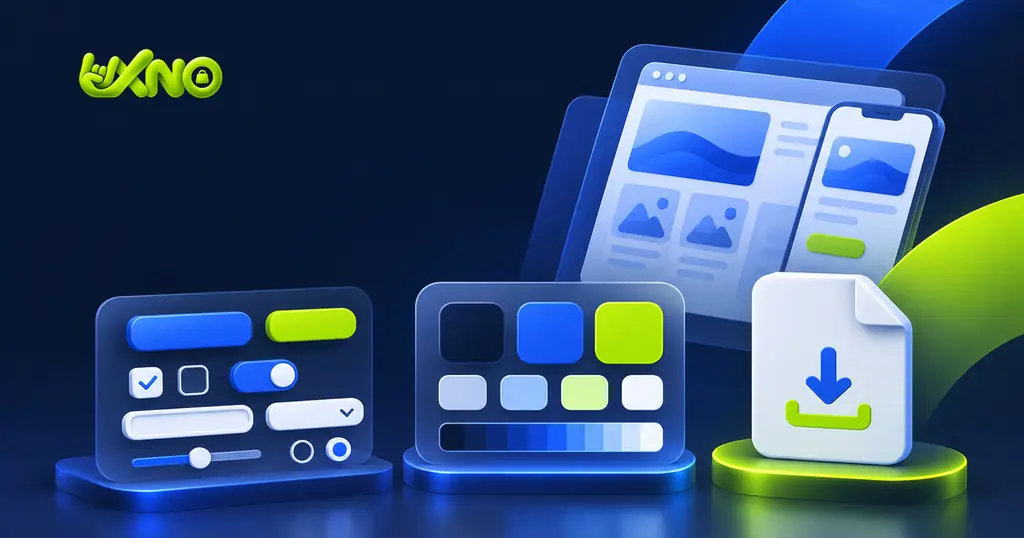
How do you list, demonstrate, and sell the kit on EXNO?
Show an edit that matters before showing the full gallery: a long label fitting a button, a changed brand color reaching three screens, or a form recovering from an error. Then let the buyer choose the file and rights they need, with the same names on the product page, at checkout, and in the delivery.
- Prepare the download. Bundle the .fig release, orientation notes, included-use terms, and the dependency list. Name the version in both the package and guide. Clearly distinguish a flattened preview from the editable source.
- Show one edit at full size. In your EXNO storefront gallery, pair the before and after with an image of the relevant component controls. With the Store Builder, you can put the individual template next to an expanded kit without implying that both contain every file.
- Test the receipt and return visit. Use EXNO’s email template editor to make delivery instructions recognizable and preview the wording. Open the download, import the file, and confirm the tier you received. If a buyer gets future releases, say how you will deliver them; a local copy does not update itself.1
EXNO handles applicable buyer transaction taxes, refunds and disputes as merchant of record. Standard sales: 7%. Discover sales: 7%. Additional fees may apply to payment processing, payouts and other transactions. See the Seller Agreement for current fees and terms.
Watch for the mistaken purchase. If buyers keep asking where to get the web app in the screenshots, change the listing, not just the support reply. Put “editable Figma design, no production code” beside the main example and name the first task the kit helps them complete. For a wider range of permissions, see how digital product licenses work.
Turn a component into a tiny signature
Designers often recognize a system by a tiny detail: a clipped corner, a square toggle, or the rhythm between two shapes. On the EXNO Pixel Wall you can turn that detail into a small pattern with its own title and an optional link back to your kit.
Choose a rectangle at $1 a pixel. If you want to support EXNO, place your pattern on the Pixel Wall for creators; it stays after approval, or you receive a full refund if it is declined.

Questions buyers ask about Figma design files
A buyer deciding between a single template and a larger UI kit often needs to know three things: whether they can edit it with the account they have, whether future changes reach their copy, and whether their client may receive the source file. Your listing should answer those questions before the buyer opens Figma.
Will buyers need editing access to my original design?
Not if you deliver a self-contained local design file. Buyers can import the file into their own drafts; a separate library or font that is not included may still need access or a replacement.1234
Does the free Figma plan let a buyer publish the kit as a team library?
Starter users can work with components, styles, and variables inside a file. Publishing a library for use across files is a paid-plan capability, so do not describe it as a requirement for buyers who only need a self-contained template.3
How do I provide a corrected release without overwriting client changes?
Ship a separately named revision and a short change list. Tell the buyer which component or frame changed so they can adopt it deliberately instead of replacing an entire project with your new copy.1
Can my customer hand an editable file to a client?
It depends on the terms for the file and its parts. Put client handoff in the license summary and confirm you can pass through every source asset included in that version.5
General information, not tax or legal advice.
Sources
Figma’s own documentation explains local copies, file import, missing fonts, library publishing, variable modes, and the terms for resources distributed through its Community. W3C provides the reference for checking text contrast; the sample prices and suggested buyer tests illustrate a sales workflow rather than official plan prices or certifications.
- Figma: local copies, file identity, history, and component connections· checked 20 November 2026
- Figma: where a buyer can import a design file· checked 20 November 2026
- Figma: local components, cross-file publishing, and library updates· checked 20 November 2026
- Figma: diagnosing unavailable fonts and individual font styles· checked 20 November 2026
- Figma: how rights differ between free and paid Community design files· checked 20 November 2026
- W3C: measuring text contrast, including the scope and exceptions· checked 20 November 2026
- Figma: switching modes and testing the values applied to a design· checked 20 November 2026


Start with the workflow you can demonstrate
Choose a file that solves one recognizable design problem and make a release copy that works without access to your team. Once someone outside the project can import it, make the promised change, and identify what they may hand to a client, the listing has something concrete to show.
Keep reading

Selling guide
How to sell 3D model packs that survive a buyer’s first import
To sell 3D models, define the buyer’s use, test the exported asset in that environment, and package the geometry, textures, documentation and license together. Sell the result as a digital download on EXNO. A studio buying modular game scenery needs different evidence from a designer buying a still-render prop or a maker buying a printable part.
Read the guide
Selling guide
How to sell finished AI-assisted art without overstating the rights
To sell AI art, start with a finished visual product you created or have permission to sell, check the model and asset terms, and give buyers accurate files and usage terms. A customer purchasing a background set should know its pixel dimensions, what you edited, what they can use it for, and whether they are buying images or a tool that makes them.
Read the guide
Selling guide
How to package AI automation templates buyers can run themselves
To sell n8n templates, package an original workflow with its input format, setup instructions, a safe sample, and a result the buyer can check before enabling it. Make and Zapier use different ways to share automation, so sell the edition you actually tested. The buyer supplies their own authorized accounts and keys; the download is not a running service.
Read the guide