 Gumroad



 Polar
 Kelviq
 Stan

Guide
EXNO Mail: your store's own email address
Every EXNO store comes with its own email address, made from the store's link. Buyers' questions arrive in Mail in your dashboard and you answer from the same address. You can connect your own email accounts too and keep all your mail in one place.
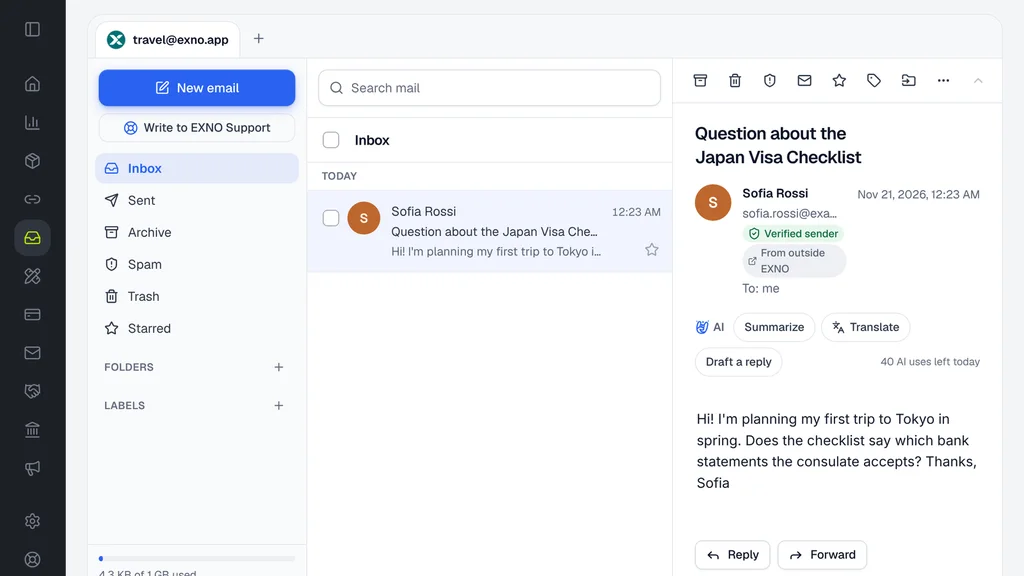
Your store's address
When you open a store, EXNO gives it an address from its link: the store at travel.exno.app gets travel@exno.app. It's free and it works at once, with 1 GB of space. The emails your buyers get from your store — receipts, downloads, updates — come from this address too, so their replies reach you.
Change your store's link in Settings and the address follows; mail sent to the old address still arrives.
Read and answer mail
Open Mail in the sidebar. New mail is in Inbox. Open a message, press Reply, write and press Send; for a few seconds after sending you can still undo it. Sent, Archive, Spam, Trash and Starred work as in any mailbox, and you can add your own folders and labels.
A green Verified sender badge means the message really comes from the address it shows. EXNO AI can summarize a long message, translate it or draft a reply for you to edit.
Connect your own email accounts
Press + next to your address in Mail (on a phone: the gear, then Addresses) and choose Connect an email account. Gmail, Yahoo, iCloud, Zoho, Yandex and your own domain all work: their mail shows up next to your store's, and you can answer and send from them.
Gmail and Google Workspace connect with Continue with Google. The others use an app password: a separate password your email provider makes for apps like EXNO, not your normal password. EXNO shows the steps for each provider under the form, and checks the account can sign in before saving it.
Write to EXNO
Write to EXNO Support in Mail starts an email to support@exno.app from your store's address, and EXNO's answer comes back to your Mail. For a quick answer, open Messages at the bottom of the dashboard: EXNO Support answers there at once with EXNO AI, and EXNO's team joins the conversation when it's needed.
Frequently asked questions
Is EXNO Mail free?
Yes. Every store's address is free, with 1 GB of space for mail and attachments.
Can I send from my own Gmail address?
Yes. Connect it in Mail with Continue with Google; then choose it in the From field when you write.
What is an app password?
A separate password your email provider creates for one app, such as EXNO. It lets EXNO read and send your mail without knowing your normal password, and you can delete it at your provider any time.
What happens to my address if I change my store's link?
The address follows the new link, and mail sent to the old address still arrives in your Mail.


Open your store's Mail
Your store's address is ready: open Mail in your dashboard to see it.
Keep reading
Guide
How to add a product to your EXNO store
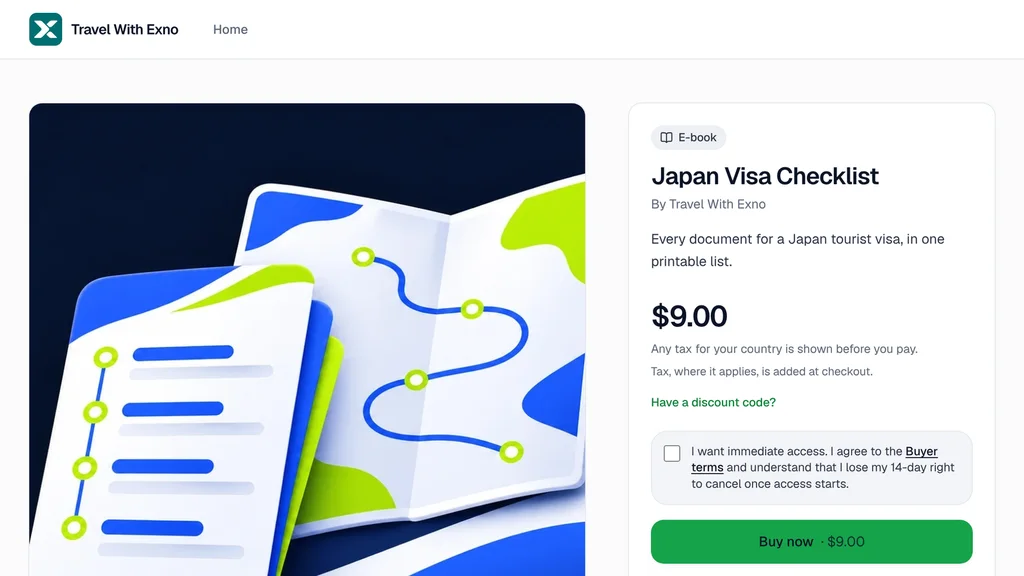
Adding a product takes a few minutes: you create it, write the page buyers see, set a price, add a cover and the files buyers get, and publish. The clips below show every step in a real EXNO store, Travel With Exno, as it adds a Japan visa checklist.
Read the guide
Guide
Where should you sell your digital products?
The best platform to sell digital products depends on what you deliver, how buyers find it, and who should handle the transaction. Shortlist Etsy for original digital designs, Shopify for a shop that also ships goods, Gumroad for direct creator sales, and EXNO for a mixed digital catalog with a storefront and marketplace.
Read the guide
Guide
What to do when a buyer disputes a digital product sale
Chargebacks on digital products happen when a buyer disputes a card payment through their card issuer rather than simply requesting a refund. On EXNO, submit the evidence for each case through the Disputes page; EXNO adds the order records and handles the response, while the disputed sale’s earnings wait for a decision.
Read the guide