 Gumroad



 Polar
 Kelviq
 Stan

Guide
Use Pinterest to show the product and EXNO to sell it
To sell digital products on Pinterest, publish an original Pin showing what the download does and put the matching EXNO product page in its destination link. The Pin helps someone discover or save an idea; EXNO is where you describe the offer, take payment, and deliver the digital product.

How do you connect a Pin to an EXNO product in five steps?
Prepare the destination before designing the Pin: a shopper should recognize the same file, example, and promise immediately after tapping through. Create the Pin with a destination URL, publish it to a relevant board, then test the actual route on a phone rather than assuming a URL in the description will do the job.12
- Prepare the EXNO listing. Give the product a specific name, add a representative preview, and explain what the buyer receives. Open the public page while signed out. Keep the product link separate from an admin link or a buyer’s private download.
- Design a useful visual. For an SVG lantern, show one finished result and a close-up of the cutting layout. Label the downloadable format and avoid making the picture look like an offer to ship a paper lantern.
- Create the Pin. Upload your original image or video, write a title and description that name the project, and select a relevant board. Paste the EXNO page into the link field Pinterest provides while adding the Pin details.1
- Match the landing experience. Repeat the exact product name and main illustration on the EXNO page. Add the edition, required software, license, and price before checkout. The shopper should not need to search your whole store for the promised item.
- Follow the published Pin. On a phone, check the destination, scroll to the price, and open checkout without submitting an order. Also check the page on a larger screen. If the destination changes later, review the original Pin and fix its link where supported.5
When should a Pin lead to a product, a collection, or checkout?
Use an EXNO product page when a shopper still needs to check compatibility or see the contents, and a collection page when the Pin compares several alternatives. A direct payment link is more appropriate when the Pin already identifies one exact item and the buyer has enough information to decide.
| What the Pin shows | Where the click should land | What should match immediately |
|---|---|---|
| A finished paper lantern beside its flattened cutting pattern | Product page for that specific SVG pack. | Same lantern shape, required cutter or editor, included file types, and the fact that no physical lantern ships. |
| A neutral video still beside the same shot with a color grade | The demonstrated LUT collection, not a general video store. | Same reference frame and color treatment, input requirements, supported workflow, and usage notes. |
| Three types of bookkeeping workbooks | A store page comparing those three tools. | The three names and preview images, with an explanation of which file suits which job. |
| A single worksheet explicitly offered for free | The actual free download. | Same sheet, same price, and a clear distinction between the sample and any larger paid pack. |
EXNO can issue a payment link for a digital offer, so an existing audience can go directly to checkout. That does not make a checkout link the right destination for an unfamiliar shopper. If the Pin teaches a method or shows a completed project, the matching product page usually supplies the missing context; see how EXNO payment links work.
For a store page, group only the products the Pin actually discusses. A visitor comparing three versions of a mockup does not need your unrelated music collection first. Use a storefront gallery to show how those versions differ and let the shopper choose before paying.
What makes a Pin useful after someone saves it?
Show enough of the result and the source file that the Pin remains intelligible when someone finds it later without your original caption in front of them. Use an image you own or have permission to publish, and distinguish the downloadable artifact from any props or physical objects pictured around it.
For a sewing pattern, a photo of a pouch alone says little about the download. Try a two-part composition: the pouch in use and one cropped pattern piece. Pair the preview with a factual title such as “Printable zipper-pouch pattern with two size options.” On the EXNO page, disclose whether the files include seam allowances and printing instructions.
Make two genuinely different versions only if they answer different questions. One Pin might show the finished pouch to someone choosing a project; the other might show how the pattern pieces tile across pages for someone worried about printing. Both can point to the same product because both promises are kept there.
Why is the Visit site button less obvious on some Pins?
Pinterest says the link can be displayed prominently when the Pin and destination clearly match; in other cases the Visit site option can appear under the three-dot menu.2 Check the published Pin rather than promising a particular button position. A generic landing page or unrelated redirect makes the trip harder to understand.
Adding an ordinary Pin destination and claiming a website are different workflows. Pinterest requires control of an eligible site and the ability to verify it before claiming it.3 An EXNO storefront address is not proof that you control the platform domain or can complete that verification. This route does not rely on catalogs, product tagging, or a claimed domain.
How can you tell whether a Pin leads to purchases?
Look at outbound clicks on Pinterest, then at relevant visits, checkout opens, and sales in EXNO over the same period. A save means someone kept the idea, not that they visited or bought; a Pin click is also not the same event as a click through to your store.4
In a Pinterest business account, review the individual Pin statistics and distinguish the metrics by name.4 EXNO statistics can show referrers, UTM campaigns, and the progression from product views to checkout and sales. Label two creative versions differently in your own campaign links, and do not put customer information in the URL.
For example, 50 outbound clicks from 2,500 impressions is a 2% outbound click rate. Separately, two sales from 40 measured store visits is 5% sales per measured visit. Those denominators are not interchangeable. The reports do not prove that each click became one visit or that the Pin caused both purchases.
- Saves without many outbound clicks: Make the downloadable item more explicit instead of adding pressure. A useful idea may simply be something people want to revisit.
- Outbound clicks without matching activity: Open the exact saved link, including any campaign labels. Check for the wrong edition, a broken page, or a destination that cannot be read on mobile.
- Visits without checkout: Compare what the Pin depicts with what the listing delivers. Add the missing file requirement or representative preview before assuming the price is the problem.
Standard sales: 7%. Discover sales: 7%. Additional fees may apply to payment processing, payouts and other transactions. See the Seller Agreement for current fees and terms. EXNO handles applicable buyer transaction taxes, refunds and disputes as merchant of record. Record your Pinterest campaign separately from Discover attribution when assessing how buyers found the product.
Turn a saved idea into a miniature swatch
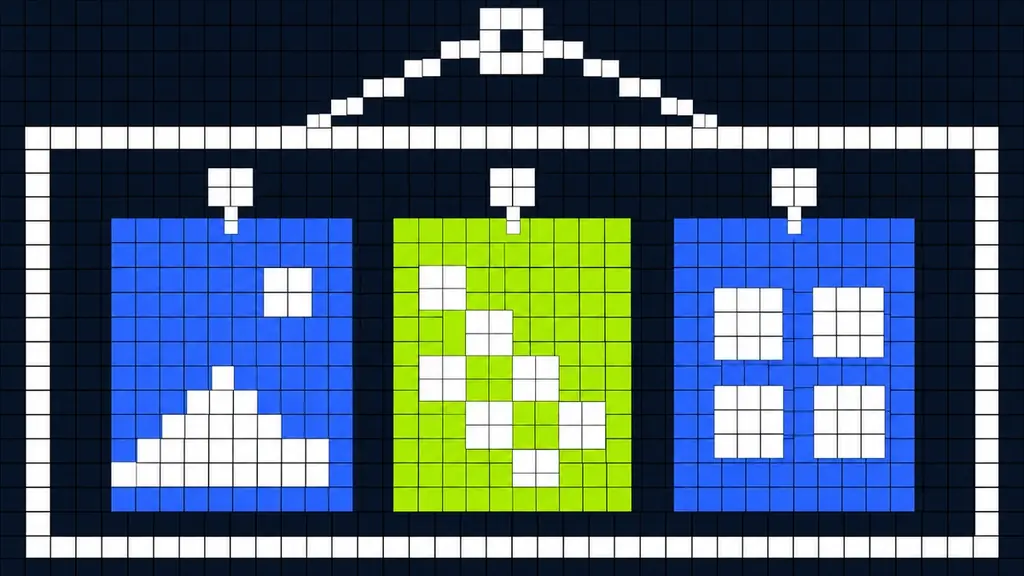
A Pin can show a whole finished project, while a rectangle on the EXNO Pixel Wall can capture just its defining detail: the cut edge of a paper lantern or the curve of a pattern piece. Choose a simple shape that still reads when reduced to a handful of colored squares.
An approved rectangle stays on the shared wall and may carry an optional link. If you want to support EXNO, reserve a small swatch for your design at $1 per pixel.
Frequently asked questions
Questions about Pinterest selling often come down to where the transaction actually takes place and which link a shopper can follow. Check the details below before building a catalog feed or changing your store; a normal Pin pointing at one clear EXNO product may already solve the task.
Do I need to claim the EXNO domain to add a destination to a Pin?
Creating a Pin with an ordinary destination link is distinct from claiming a website.13 Do not try to verify a domain you do not own or administer.
Can my Pin link straight to checkout?
An EXNO payment link can lead to checkout for a specific offer. Use a descriptive product page instead when buyers need to inspect the file, license, or compatibility before deciding.
What if I see no prominent Visit site button?
Check the Pin’s menu for the destination and verify the page still matches the creative.2 If the URL is wrong on a Pin you made, follow Pinterest’s link-editing guidance.5
What should the Pin show for a digital-only product?
Show the output and the file behind it, such as a rendered model and its mesh. State that the buyer receives a download rather than the object pictured.
Do saves show that people bought my product?
No. A shopper can save a Pin without leaving Pinterest. Reconcile paid orders in EXNO instead of reporting saved ideas as revenue.
General information, not tax or legal advice.
Sources
Pinterest’s own documentation distinguishes an ordinary destination link from site claiming, explains where a visitor can find the link, and defines the reporting available to business accounts. Use these references to troubleshoot the published Pin; the store examples and rate calculations are illustrative, not targets for a campaign.
- Pinterest Help: creating a Pin, adding a destination, and choosing a board· checked 20 November 2026
- Pinterest Create: where Visit site appears and why a matching destination matters· checked 20 November 2026
- Pinterest Business Help: ownership and verification requirements for claiming a site· checked 20 November 2026
- Pinterest Business Help: Pin-level metrics and outbound clicks· checked 20 November 2026
- Pinterest Help: correcting a broken link on a Pin you created· checked 20 November 2026


Give your next Pin a destination worth opening
Choose one digital file with a visible result and make its EXNO page useful even to someone who knows nothing about your studio. Once the exact link works on a phone and the listing matches the picture, send people to that product rather than asking them to find it themselves.
Keep reading
Guide
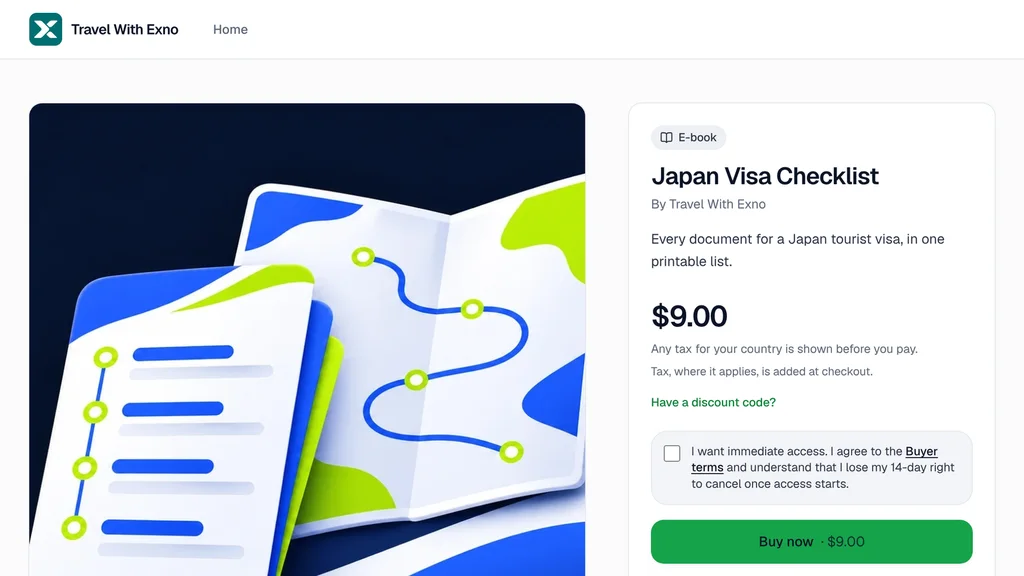
How to add a product to your EXNO store
Adding a product takes a few minutes: you create it, write the page buyers see, set a price, add a cover and the files buyers get, and publish. The clips below show every step in a real EXNO store, Travel With Exno, as it adds a Japan visa checklist.
Read the guide
Guide
Where should you sell your digital products?
The best platform to sell digital products depends on what you deliver, how buyers find it, and who should handle the transaction. Shortlist Etsy for original digital designs, Shopify for a shop that also ships goods, Gumroad for direct creator sales, and EXNO for a mixed digital catalog with a storefront and marketplace.
Read the guide
Guide
What to do when a buyer disputes a digital product sale
Chargebacks on digital products happen when a buyer disputes a card payment through their card issuer rather than simply requesting a refund. On EXNO, submit the evidence for each case through the Disputes page; EXNO adds the order records and handles the response, while the disputed sale’s earnings wait for a decision.
Read the guide